
How Does the Internet Work? From Click to Website
- 0 views
- 0 likes
- 0 comments
- All languages combined
 +97
Sign in and earn +97 points by reading this
Read to the end, wait a few seconds, then tap the claim button below.
In short
The internet is a global network of networks that moves data in small packets [1]. Each device has an IP address, DNS turns names such as example.com into those addresses, and TCP checks that every packet arrives in order [1][3][5]. Most traffic between continents travels through fibre-optic cables on the seabed [7].
Key takeaways
- The internet links many separate networks; the Internet Protocol moves blocks of data called datagrams between hosts identified by fixed-length addresses [1].
- Data is split into packets that routers forward one hop at a time, and each packet is handled independently [1].
- An IP address identifies a device; IPv4 addresses are 32 bits long and IPv6 addresses 128 bits [1][2].
- DNS is the internet’s naming system: a resolver asks root, top-level-domain and authoritative name servers to turn a name into an IP address [4][5].
- TCP gives applications a reliable, in-order stream by detecting lost packets and sending them again [3].
- Web pages are fetched with HTTP, a request-and-response protocol: the browser asks, the server answers [6].
- Submarine fibre-optic cables carry most data between continents; satellites carry a very small share [7].
- The web is one service that runs on the internet; Tim Berners-Lee invented it at CERN in 1989 [8].
On this page 12 sections
- What is the internet?
- How does the internet work in simple terms?
- What is an IP address?
- What does DNS do?
- What happens when you click a link?
- How does data travel across oceans?
- What is the difference between the internet and the web?
- How many people use the internet?
- Common mistakes
- Frequently asked questions
- Glossary
- Sources
What is the internet?
The internet is a worldwide system of interconnected computer networks that exchange data using a shared set of rules, chiefly the Internet Protocol (IP) [1].
No single company owns it. Your home network, your mobile operator, a university campus and a cloud data centre are all separate networks. They agree to pass traffic to one another, and the common language they use makes them behave like one giant network.
The core specification, RFC 791, published in 1981, describes IP as designed for “interconnected systems of packet-switched computer communication networks” [1]. Its job is narrow but essential: carry blocks of data, called datagrams, from a source to a destination, where both are identified by fixed-length addresses [1]. The same design still underpins the network decades later.
The internet is now used by most of humanity. The International Telecommunication Union (ITU), the UN agency for digital technologies, estimated that 74% of the world’s population, about 6 billion people, were online in 2025, up from 5.8 billion a year earlier [9].
It helps to think of the internet in three layers of ideas:
How does the internet work in simple terms?
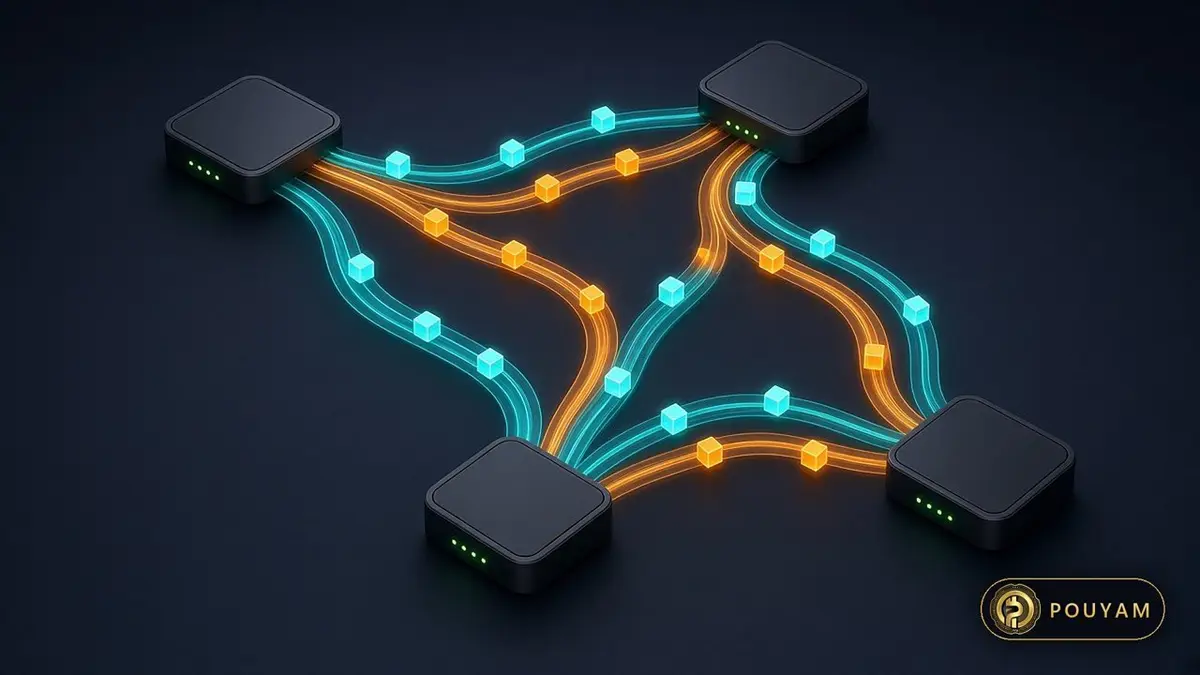
The internet works by splitting data into small packets, labelling each one with a destination address and passing it from router to router until it arrives, where the pieces are put back together [1][3].
Think of a photo you send to a friend. Your device does not send it as one long stream. It cuts it into packets, and each packet carries the address of the sender and the receiver in its header [1]. IP treats every datagram as an independent entity, so packets from the same photo can take different routes [1]. If a packet is too large for a network along the way, IP can break it into fragments and reassemble them later [1].
IP on its own does not promise delivery. That is the job of the Transmission Control Protocol (TCP). According to RFC 9293, TCP provides “a reliable, in-order, byte-stream service” to applications [3]. It numbers the data so missing pieces can be spotted, uses checksums to catch errors and resends anything that is lost [3]. Each TCP segment travels inside an IP datagram [3].
The first hop is usually wireless. Your phone or laptop talks to a Wi-Fi router or a mobile mast, which hands the data to fibre and cable networks; the TeleGeography research firm notes that a mobile signal is only wireless as far as the nearest cell tower [7]. For how the home part of that journey affects speed, our guide Wi-Fi 7 Explained: Real Speeds and Whether to Upgrade explains what newer Wi-Fi standards change.
The table below shows how the main pieces fit together.
What is an IP address?
An IP address is the number that identifies a device or network interface on the internet, so that packets know where to go and where to send replies [1].
Computers work with numbers, not names. Every packet carries a source address and a destination address in its header [1].
There are two versions in use:
- IPv4, defined in RFC 791, uses addresses that are 32 bits (four octets) long [1]. They are usually written as four numbers separated by dots, and 32 bits allow about 4.3 billion combinations, far fewer than the number of connected devices.
- IPv6, specified in RFC 8200, increases the address size from 32 bits to 128 bits, giving an almost unlimited supply [2].
Because IPv4 addresses are scarce, many homes share one public IPv4 address among all their devices, while the router keeps track of which reply belongs to which phone or laptop. Networks increasingly run IPv6 alongside IPv4.
An IP address says where to deliver data, not who you are by name. Remembering numbers would be impractical for people, which is why the internet also needs a naming system.
What does DNS do?
The Domain Name System (DNS) translates names that people remember, such as example.com, into the IP addresses that computers use [5].
DNS was specified in 1987 in RFC 1034 and RFC 1035 as a hierarchical, consistent name space [4]. ICANN, the organisation that coordinates the internet’s naming system, describes how a lookup works [5]:
- Your browser asks a resolver, usually run by your internet provider or a public DNS service.
- If the resolver has the answer in its cache from an earlier lookup, it replies at once.
- If not, it asks a root server, which does not know the final answer but refers it to the name servers for the top-level domain, such as .com.
- The top-level domain server refers it to the name servers for the specific domain.
- The domain’s authoritative server returns the IP address, and the resolver stores it in its cache.
Caching is what makes DNS fast at global scale; ICANN calls it critical to the system’s scalability [5]. The root is a famous part of the design: 12 organisations operate 13 root server identities, named with the letters a to m, served by more than 1000 machines around the world [5]. In 2020 ICANN reported that they answered over 70 billion queries per day [5].
DNS also has a security layer, DNSSEC, which lets a resolver check cryptographic signatures to confirm that answers have not been altered [5].
What happens when you click a link?
When you click a link, your browser looks up the site’s IP address with DNS, opens a connection to the server, sends an HTTP request and then builds the page from the response [3][5][6].
Step by step:
- Read the address. The link holds a URL, which includes the domain name, such as example.com, and the path to a page.
- Find the server. The browser asks DNS for the IP address of that name, unless it already has it cached [5].
- Open a connection. With TCP, the two computers exchange a short “three-way handshake” to agree on starting sequence numbers before data flows [3]. Most sites then add encryption, shown by https in the address.
- Ask for the page. The browser sends an HTTP request message, for example asking to GET a page; the server replies with a response message that includes a status code and the content [6].
- Fetch the rest. A page usually refers to images, styles and scripts, so the browser sends more requests, often to several servers.
- Draw the page. The browser assembles everything and displays it.
HTTP is stateless: each request can be understood on its own, without the server remembering earlier ones [6]. Logins and shopping baskets work because the browser sends extra information, such as cookies, with each request.
All of this usually takes a fraction of a second, even when the server is on another continent.
How does data travel across oceans?
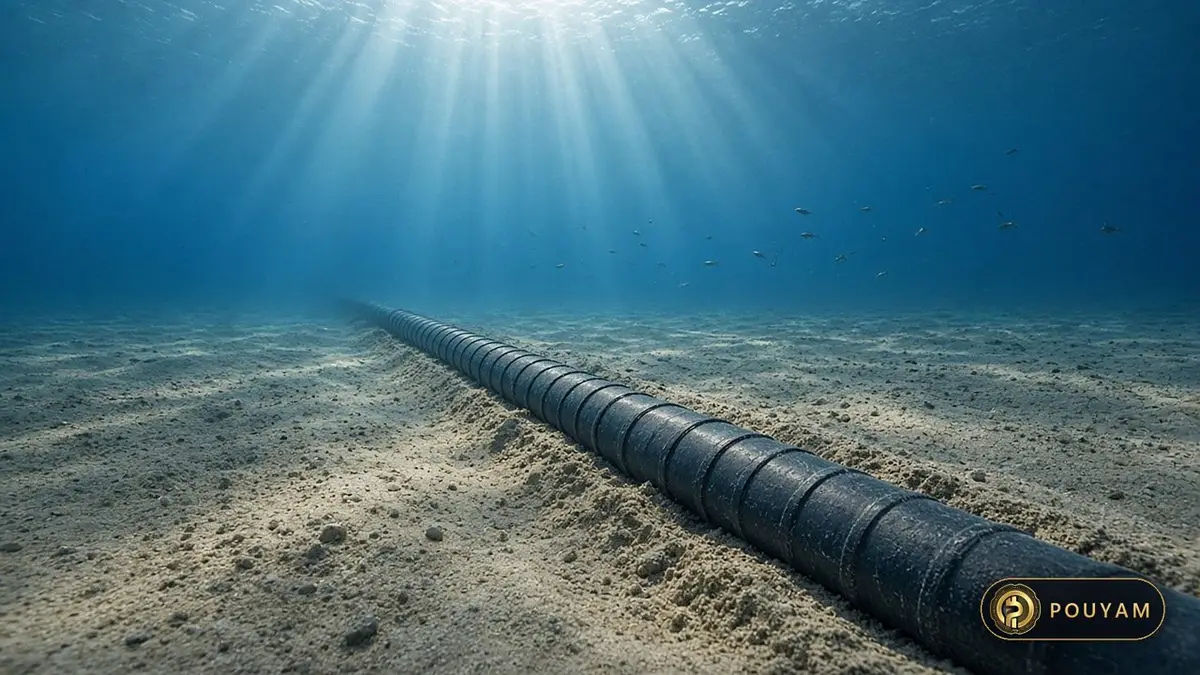
Data crosses oceans mainly through fibre-optic submarine cables laid on the seabed, not through satellites [7].
Modern submarine cables use lasers that fire light pulses down thin glass fibres, each roughly the diameter of a human hair [7]. For most of their length across the deep ocean, the cables are about as wide as a garden hose and lie directly on the sea floor; near the shore they get extra armour and are buried under the seabed [7].
TeleGeography, which maps the world’s cables, tracks more than 600 active and planned systems and estimates that over 1.5 million kilometres of cable are in service [7]. Some are short, such as the 131-kilometre CeltixConnect between Ireland and the United Kingdom; others, such as the Asia America Gateway, run 20,000 kilometres [7].
Satellites are useful for reaching places without fibre, but cables carry far more data at a fraction of the cost. US Federal Communications Commission figures cited by TeleGeography put satellites at just 0.37% of US international capacity [7]. Our guide Starlink Explained: How It Works, Cost and Legality explains how low-orbit satellite internet fills gaps where cables and towers do not reach.
Cables do break: there are roughly 200 faults a year, and fishing vessels and ships dragging anchors cause about two-thirds of them [7]. Users rarely notice, because networks spread their traffic across several cables [7]. Cables are designed to last at least 25 years [7].
What is the difference between the internet and the web?
The internet is the global network that moves data; the World Wide Web is one service that runs on it, made of linked pages viewed in a browser [8].
The two are often used as synonyms, but they were invented at different times by different people. IP, the internet’s core protocol, was published in 1981 [1]. The web came later: Tim Berners-Lee, a British scientist at CERN, the European particle physics laboratory, wrote the first proposal for the World Wide Web in March 1989 to help scientists share information [8].
By the end of 1990 he had the first web server and browser running at CERN, and info.cern.ch was the world’s first website [8]. In 1991 he released the software and announced it on internet newsgroups [8]. On 30 April 1993 CERN made the web software available royalty-free, and by the end of 1994 the web had 10,000 servers and 10 million users [8].
Email, online games, video calls, file transfer and many phone apps use the internet without being part of the web. The web itself uses HTTP to move pages and other resources between servers and browsers [6].
A simple way to remember it: the internet is the road network, and the web is one kind of traffic on it.
How many people use the internet?
About 6 billion people, or 74% of the world’s population, were using the internet in 2025, according to ITU estimates [9].
Growth continues but has not reached everyone. ITU estimated that internet use grew by 3.3% in 2025, and that more than a quarter of the world’s population remains offline [9].
The gap follows income. In high-income countries, 94% of people use the internet, close to what ITU treats as universal access (at least 95%) [9]. In low-income countries the figure is only 23% [9].
Regions differ widely, as the table shows. Use is highest in Europe, the Americas and the Commonwealth of Independent States, and lowest in Africa [9]. In the least developed countries, about a third of people are online [9].
International links are rarely the bottleneck: TeleGeography notes that nearly all countries with a coastline are connected to a submarine cable [7]. The gaps are mostly in the local networks and devices that reach people.
| Building block | What it does | Defined in |
|---|---|---|
| IP (Internet Protocol) | Addresses and forwards packets between networks | RFC 791 and RFC 8200 |
| TCP | Delivers data reliably and in order | RFC 9293 |
| DNS | Turns names into IP addresses | RFC 1034 and RFC 1035 |
| HTTP | Requests and delivers web pages | RFC 9110 |
| Physical links | Carry signals over fibre, copper and radio | Network operators |
| Step | What happens | Protocol |
|---|---|---|
| 1 | Browser finds the server’s IP address | DNS |
| 2 | Browser and server open a connection | TCP |
| 3 | Browser sends a request for the page | HTTP |
| 4 | Server replies with a status code and content | HTTP |
| Throughout | Packets cross networks via routers | IP |
| Group | Share online |
|---|---|
| World | 74% |
| High-income countries | 94% |
| Europe, Americas and CIS | 88% to 93% |
| Asia-Pacific | 77% |
| Arab States | 70% |
| Africa | 36% |
| Low-income countries | 23% |
Common mistakes
Treating the internet and the web as the same thing.
Fix: The web is one service on the internet; email and many apps use the internet without the web [8].
Thinking most international traffic goes by satellite.
Fix: Submarine fibre cables carry the vast majority; satellites are a very small share [7].
Assuming a phone connection is wireless all the way.
Fix: It is wireless only to the nearest tower; then it travels over fibre [7].
Thinking a website has one fixed route to you.
Fix: Each packet is handled independently and can take a different path [1].
Believing DNS knows who you are.
Fix: DNS maps names to IP addresses; it is a directory, not an identity system [5].
Frequently asked questions
How does the internet work in simple terms?
Data is cut into packets, addressed with IP and passed from router to router; TCP makes sure all of it arrives in order [1][3].
What is an IP address and what does DNS do?
An IP address is a device’s network number; DNS translates names like example.com into those numbers [1][5].
How does data travel across oceans?
Through fibre-optic submarine cables on the seabed, which carry far more data than satellites at lower cost [7].
What is the difference between the internet and the web?
The internet is the network; the web is a system of linked pages that runs on it, invented at CERN in 1989 [8].
Who owns the internet?
No one. It is made of many independently run networks; cables, for example, are owned by carriers and large content companies [7].
Is Wi-Fi the same as the internet?
No. Wi-Fi is a short wireless link to your router; the router then connects to your provider’s network.
How many people use the internet?
About 6 billion people, or 74% of the world’s population, in 2025 [9].
Glossary
- Packet (datagram)
- A small block of data with a header that holds the source and destination addresses [1].
- IP address
- A number that identifies a device on a network; 32 bits in IPv4, 128 bits in IPv6 [1][2].
- Router
- A device that forwards packets between networks toward their destination [1].
- TCP
- The protocol that delivers data reliably and in order [3].
- Resolver
- Software that looks up DNS answers on your behalf and caches them [5].
- HTTP
- The request-and-response protocol used to fetch web pages [6].
- Submarine cable
- A fibre-optic cable laid on the seabed to link countries and continents [7].
Sources
- RFC 791: Internet Protocol IETF / RFC Editor
- RFC 8200: Internet Protocol, Version 6 (IPv6) Specification IETF / RFC Editor
- RFC 9293: Transmission Control Protocol (TCP) IETF / RFC Editor
- RFC 1034: Domain Names - Concepts and Facilities IETF / RFC Editor
- Brief Overview of the Root Server System (OCTO-010) ICANN Office of the Chief Technology Officer · 2020-05-06
- RFC 9110: HTTP Semantics IETF / RFC Editor
- Submarine Cable Frequently Asked Questions TeleGeography
- A short history of the Web CERN
- Facts and Figures 2025: Internet use International Telecommunication Union · 2025-11-17


Comments
Top comments