
In short
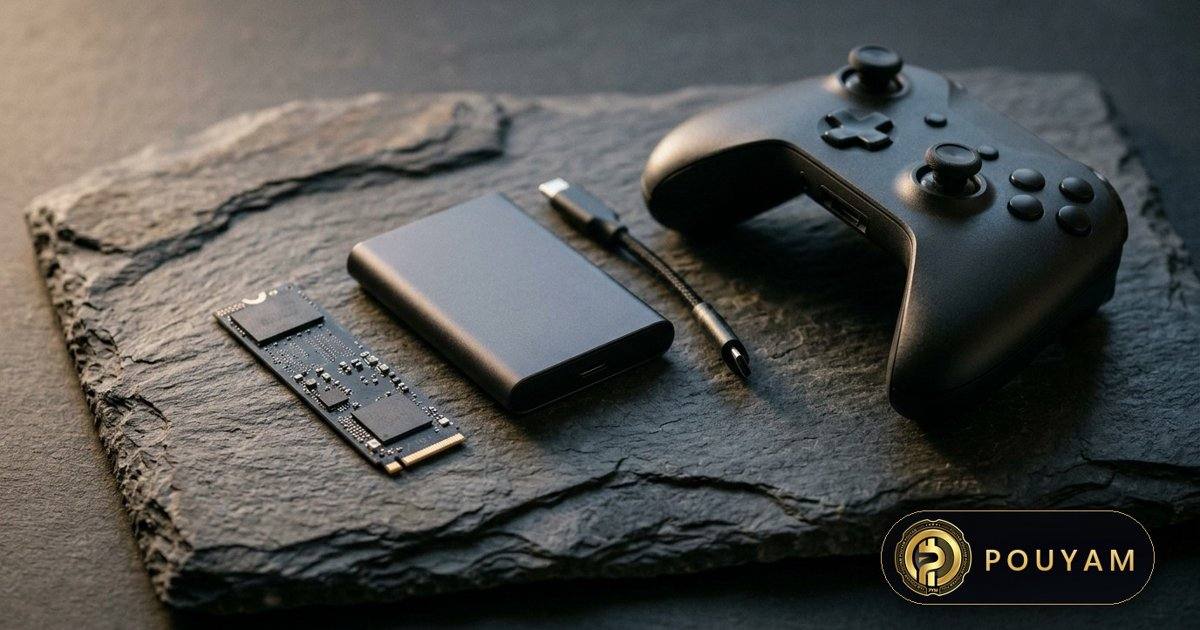
Large modern games need roughly 70 to 150 GB each: Steam lists 150 GB for Baldur's Gate 3 and 115 GB for Call of Duty [11][10]. Small indie games can need under 10 GB [14]. Consoles ship with 256 GB to 2 TB [3][4][5][6][8], so a 1 TB system holds only a handful of big games.
Key takeaways
- Several big PC releases list 70 to 150 GB of required space, and many now say an SSD is required [10][11][12].
- PS5 consoles ship with 825 GB, 1 TB or 2 TB; Xbox Series X|S with 512 GB, 1 TB or 2 TB; Nintendo Switch 2 with 256 GB [3][4][5][6][8].
- PS5 storage can be expanded with a PCIe Gen4 M.2 NVMe SSD of 250 GB to 8 TB, with a heatsink or heat transfer sheet [1].
- PS5 games cannot be played from USB storage, and Xbox Series X|S Optimized games should run from the internal SSD or an expansion card [2][7].
- Nintendo Switch 2 accepts only microSD Express cards, up to 2 TB, for games [8].
- In October 2026, 48.62% of surveyed Steam users had more than 1 TB of total storage [9].
On this page 13 sections
- How big are modern video games?
- How much storage do PS5, Xbox Series X|S and Nintendo Switch 2 have?
- How do you add storage to a PS5?
- How do you add storage to Xbox Series X|S?
- What storage does Nintendo Switch 2 need?
- How much storage does a gaming PC need?
- Should games go on an SSD, a hard drive or a USB drive?
- How can you save storage space on a console or PC?
- Will games keep getting bigger?
- Common mistakes
- Frequently asked questions
- Glossary
- Sources
How big are modern video games?
Install sizes vary more than tenfold. Store listings show the required space, which is the most reliable figure for a specific game. As of 3 November 2026, Steam lists the following [10][11][12][13][14]:
- Baldur's Gate 3: 150 GB available space, SSD required [11].
- Call of Duty: 115 GB, with the note 'SSD with 115 GB available space at launch' [10].
- Cyberpunk 2077: 70 GB, SSD required [12].
- Microsoft Flight Simulator 2024: 50 GB, plus a network speed of 10 Mbps minimum and 50 Mbps recommended [13].
- Hollow Knight: Silksong: 8 GB [14].
The 'at launch' wording on Call of Duty signals that the required space can grow with later updates [10]. Flight Simulator 2024 shows a different approach: its listing pairs a 50 GB install with a minimum network speed of 10 Mbps, and Steam notes that it requires downloads and a broadband internet connection [13].
A practical rule from these figures: a large new game needs about 70 to 150 GB, while an indie game such as Hollow Knight: Silksong may need under 10 GB [10][11][12][14]. Always check the store page before buying, because console and PC versions can differ.
How much storage do PS5, Xbox Series X|S and Nintendo Switch 2 have?
Built-in storage, as listed by each manufacturer as of 3 November 2026:
- PS5: Sony's US site lists the PS5 console with 1 TB and the PS5 Digital Edition with 825 GB [3]. The PS5 Pro has 2 TB built in [4].
- Xbox Series X: 1 TB custom NVMe SSD for the standard and Digital Edition models, and 2 TB for the Galaxy Black Special Edition [5].
- Xbox Series S: 512 GB or 1 TB custom NVMe SSD, depending on model [6].
- Nintendo Switch 2: 256 GB of UFS storage, a portion of which is reserved for the system [8].
The advertised figure is never all free for games. Nintendo and Sony both state that part of the storage is reserved for the system [4][8]. Drive makers also count 1 TB as 1,000,000,000,000 bytes, while many operating systems show capacity in binary units, so a 1 TB drive typically appears as about 931 GB (a unit conversion, not missing space).
Using the PC store figures above (console versions can differ), a 1 TB drive could hold about six games of Baldur's Gate 3's size before running out, before counting system files and updates [11].
How do you add storage to a PS5?
The PS5 has two expansion options with different roles [1][2].
Internal M.2 SSD (for playing PS5 games)
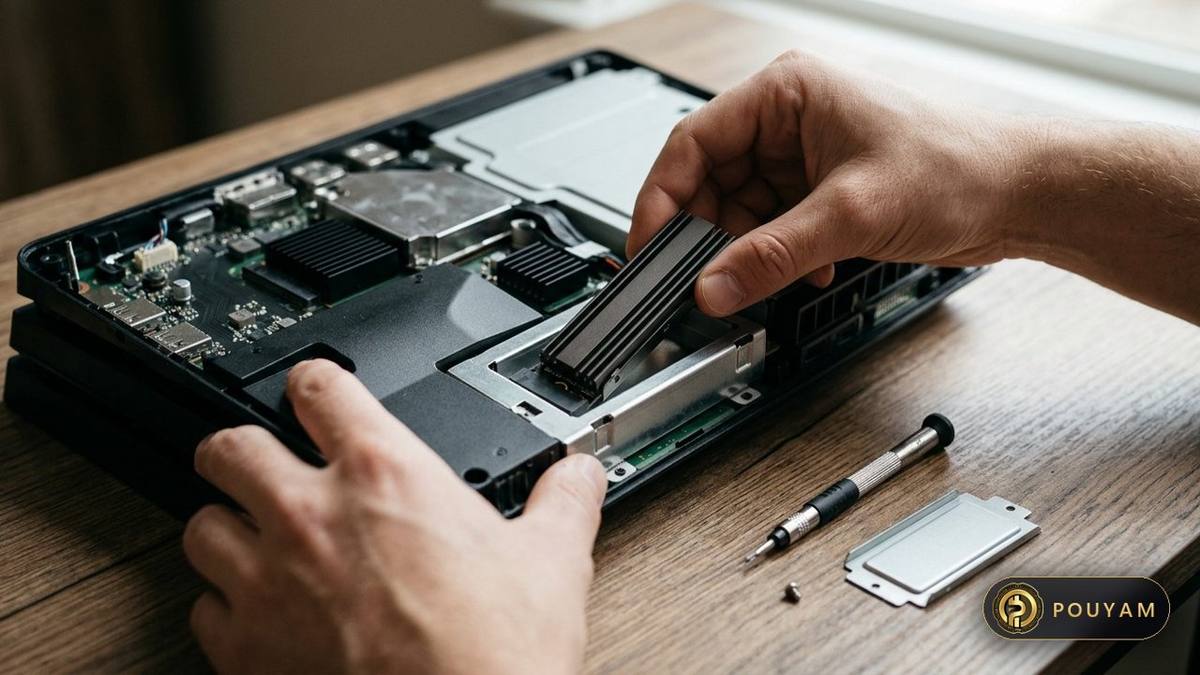
Sony's requirements are a PCI-Express Gen4 x4 M.2 NVMe SSD, 250 GB to 8 TB, in form factor 2230, 2242, 2260, 2280 or 22110, with a recommended sequential read speed of 5,500 MB/s or faster [1]. M.2 SATA SSDs are not supported [1]. The drive needs a heat-dissipation mechanism such as a heatsink or heat transfer sheet, and the combined thickness must stay within Sony's limits (up to 11.25 mm) [1].
- Update the console's system software before installing [1].
- Power off, unplug, let the console cool and touch a grounded metal object to discharge static [1].
- Remove the cover and expansion slot cover, set the spacer to the drive length, insert and screw in the drive [1].
- Refit the covers, power on and follow the formatting guide; formatting erases any data on the drive [1].
Sony notes that not all games will perform exactly as they do on the internal SSD, even with a faster drive, and suggests moving a game back to internal storage if problems occur [1].
USB extended storage (for keeping games)
A USB drive must support SuperSpeed USB 5 Gbps or later and be 250 GB to 8 TB [2]. PS5 games cannot be played directly from USB storage and must be copied back to console storage first, while PS4 games can be played from USB [2]. Only one USB extended storage drive can be used at a time, and not through a hub [2].
How do you add storage to Xbox Series X|S?
Xbox Series X|S offers two routes [5][6][7].
- Storage Expansion Card: a card that plugs into the console and, according to Microsoft, matches the performance of the internal SSD [5][6]. Microsoft's own listing for Xbox Series S refers to 1 TB expansion cards [6].
- USB 3.1 external hard drive: supported on both consoles [5][6]. Microsoft says previous-generation Xbox titles can be played directly from external USB drives, but Xbox Series X and Xbox Series S Optimized games should be played from the internal SSD or a Storage Expansion Card to get full performance [7].
The reason is speed. Microsoft lists I/O throughput for the internal SSD of 2.4 GB/s raw and 4.8 GB/s compressed, using a hardware decompression block [5]. Microsoft says that full Xbox Velocity Architecture performance needs the internal SSD or an expansion card, not an external hard drive [7].
One lower-cost approach is to keep current games on internal storage, archive others on a USB drive, and copy them back when needed, which avoids downloading them again.
What storage does Nintendo Switch 2 need?
Nintendo Switch 2 has 256 GB of internal storage [8]. For expansion, its card slot is 'compatible with microSD Express cards only (up to 2 TB)' [8]. microSD Express is a faster type of microSD card, announced by the SD Association in 2019, that uses the PCIe and NVMe interfaces also used by SSDs [15]; ordinary microSD cards that are not Express-compatible can only be used to copy screenshots and videos from a Nintendo Switch [8].
This matters for owners upgrading from the original Nintendo Switch: an existing microSD card full of games is not a storage expansion on Switch 2 [8]. The console also accepts both Switch 2 and Switch game cards [8]. Not every boxed Switch 2 game carries the full game: a game-key card is only a key, and the game must be downloaded to system memory or a microSD Express card before it can be played [16].
How much storage does a gaming PC need?
Steam's monthly Hardware and Software Survey gives a picture of what PC players actually have. In the October 2026 survey [9]:
- 48.62% of users had more than 1 TB of total storage [9].
- 25.07% had 750 to 999 GB, and 18.16% had 250 to 499 GB [9].
- For free space, 23.88% had 100 to 249 GB free, 23.24% had 250 to 499 GB free, and 15.96% had only 10 to 99 GB free [9].
With big releases at 70 to 150 GB [10][11][12], a user with under 100 GB free could not install the two largest of them without deleting something. The survey is optional and anonymous, so it describes Steam users who take part, not all PC players [9].
The type of drive also matters. Baldur's Gate 3, Cyberpunk 2077 and Call of Duty each list an SSD as required [10][11][12]. On these figures, a 1 TB or 2 TB SSD is a reasonable baseline for a new gaming PC, with a hard drive better suited to archives or to games that do not list an SSD requirement.
Should games go on an SSD, a hard drive or a USB drive?
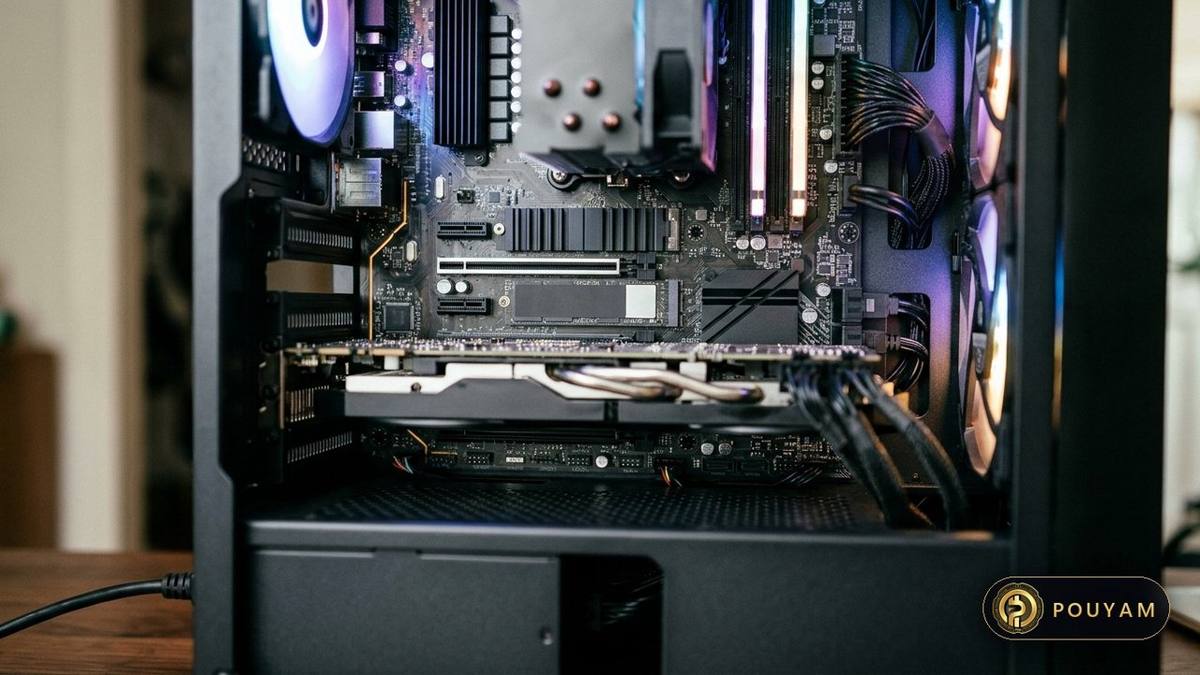
Internal SSD or console expansion. The fastest option, and listed as required by several new PC games [10][11]. The downside is cost per gigabyte, and on PS5 the need for a compatible drive with a heatsink [1].
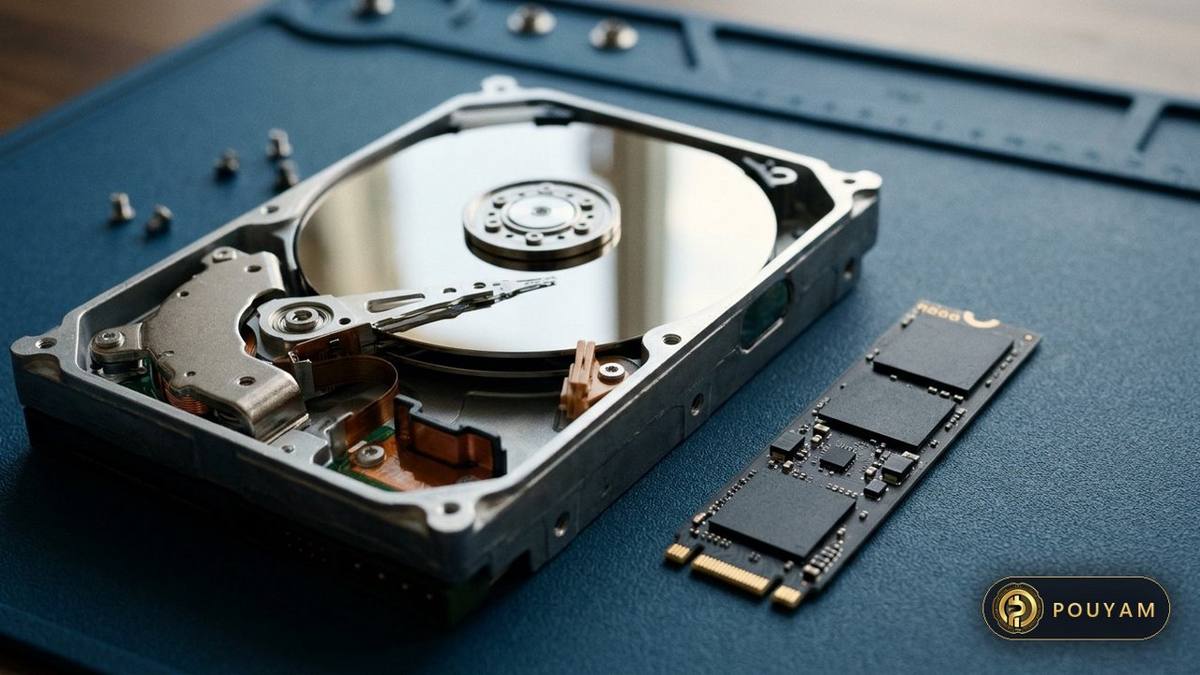
USB hard drive or SSD. Cheaper and portable. On PS5 it can store PS5 games but not run them, though PS4 games can run from it [2]. On Xbox, previous-generation titles can run from it, while Optimized games should not [7].
Cloud and streaming features. Some games lean on an internet connection rather than local storage alone; Flight Simulator 2024, for example, lists a minimum network speed alongside a 50 GB install [13]. On slow or capped internet connections, that trade-off can be worse than simply using more disk space. As a rough calculation, a 100 GB download takes about 22 hours at 10 Mbps and about 2.2 hours at 100 Mbps, before overheads.
How can you save storage space on a console or PC?
- Check the required space before buying on the store page, including notes such as 'at launch' [10].
- Move, do not delete, games you will return to. On PS5, finished or unplayed games can be moved to USB storage and copied back later [2].
- Use the right expansion for the job: M.2 on PS5 or an expansion card on Xbox for games you play, USB for archives [1][2][7].
- On Switch 2, buy microSD Express, not a standard microSD card [8].
- Use physical game cards on Switch 2 where available, since the console reads both Switch 2 and Switch cards [8], but check the box first: a game-key card still needs a full download and free space [16].
Will games keep getting bigger?
The listings point both ways. Several big releases already need 100 GB or more [10][11], and Call of Duty's 'at launch' note signals growth after release [10]. At the same time, hardware decompression on Xbox [5] is one way of fitting more data into the same local space, and Flight Simulator 2024 pairs a 50 GB install with an internet-speed requirement [13].
Manufacturers also now sell 2 TB models, for example the PS5 Pro and the 2 TB Xbox Series X Galaxy Black Special Edition [4][5]. As of 3 November 2026, the listings above suggest that at least 1 TB of fast storage, plus a cheaper drive for archiving, covers what current large games require.
| Game | Required space | Notes from the listing |
|---|---|---|
| Baldur's Gate 3 | 150 GB [11] | SSD required [11] |
| Call of Duty | 115 GB [10] | SSD, 115 GB available space at launch [10] |
| Cyberpunk 2077 | 70 GB [12] | SSD required [12] |
| Microsoft Flight Simulator 2024 | 50 GB [13] | 10 Mbps minimum, 50 Mbps recommended bandwidth [13] |
| Hollow Knight: Silksong | 8 GB [14] | No SSD note in the listing [14] |
| Console | Built-in storage | Expansion for playing | Other storage |
|---|---|---|---|
| PS5 / PS5 Digital Edition | 1 TB / 825 GB (US listing) [3] | PCIe Gen4 M.2 NVMe SSD, 250 GB to 8 TB [1] | USB, 250 GB to 8 TB; stores PS5 games, runs PS4 games [2] |
| PS5 Pro | 2 TB [4] | Same M.2 slot requirements [1] | Same USB rules [2] |
| Xbox Series X | 1 TB or 2 TB [5] | Storage Expansion Card [5] | USB 3.1 external HDD [5] |
| Xbox Series S | 512 GB or 1 TB [6] | 1 TB Storage Expansion Card [6] | USB 3.1 external HDD [6] |
| Nintendo Switch 2 | 256 GB, part reserved [8] | microSD Express only, up to 2 TB [8] | Game cards [8] |
Common mistakes
Buying an M.2 SATA SSD for a PS5.
Fix: Sony requires a PCIe Gen4 x4 M.2 NVMe SSD; SATA models are not supported [1].
Installing an M.2 SSD in a PS5 without a heatsink.
Fix: Sony says a heat-dissipation structure such as a heatsink is required [1].
Expecting to play PS5 games from a USB drive.
Fix: Copy them back to console storage; only PS4 games run from USB [2].
Using an old microSD card as game storage on Switch 2.
Fix: Switch 2 needs microSD Express cards for games [8].
Running Xbox Series X|S Optimized games from an external hard drive.
Fix: Use the internal SSD or a Storage Expansion Card [7].
Frequently asked questions
How many games fit on a 1 TB PS5?
It depends on the games. Large titles need roughly 70 to 150 GB each on Steam's PC listings [11][12], and PS5 versions can differ, so a 1 TB console holds only a handful of big games after system files [4].
What is the largest SSD a PS5 supports?
Sony supports M.2 SSDs from 250 GB to 8 TB, and the same range for USB extended storage [1][2].
Can I use any SSD in an Xbox Series X|S?
For playing Optimized games, Microsoft points to the internal SSD or a Storage Expansion Card; USB 3.1 drives are supported for other uses [5][7].
What microSD card does Nintendo Switch 2 need?
A microSD Express card, up to 2 TB; other microSD cards can only copy screenshots and videos from a Nintendo Switch [8].
Do PC games need an SSD now?
Many large releases list an SSD as required, including Baldur's Gate 3 and Cyberpunk 2077 [11][12].
Why does my new 1 TB drive show less space?
Part of console storage is reserved for the system [8], and operating systems often show capacity in binary units, so 1 TB appears as about 931 GB.
Glossary
- SSD
- Solid-state drive: storage with no moving parts, much faster than a hard disk; many games now require one [11].
- NVMe
- A fast interface for SSDs over PCI Express, required for PS5 M.2 expansion [1].
- M.2
- A small circuit-board format for SSDs, named by sizes such as 2280 (22 mm wide, 80 mm long) [1].
- Storage Expansion Card
- A plug-in card for Xbox Series X|S that matches internal SSD performance [5].
- microSD Express
- A microSD card type that uses the PCIe and NVMe interfaces for faster transfers [15]; the only kind Nintendo Switch 2 accepts for games [8].
- GB and TB
- Gigabyte and terabyte; 1 TB equals 1,000 GB in manufacturers' decimal units.
Sources
- How to add M.2 SSD storage to PS5 consoles Sony Interactive Entertainment (PlayStation Support); live page, retrieved 2026-11-03
- How to use USB extended storage on PS5 consoles Sony Interactive Entertainment (PlayStation Support); live page, retrieved 2026-11-03
- PlayStation 5 console Sony Interactive Entertainment; live page, retrieved 2026-11-03
- PS5 Pro console Sony Interactive Entertainment; live page, retrieved 2026-11-03
- Xbox Series X: tech specs Microsoft (Xbox); live page, retrieved 2026-11-03
- Xbox Series S: tech specs Microsoft (Xbox); live page, retrieved 2026-11-03
- Defining the Next Generation: An Xbox Series X|S Technology Glossary Microsoft (Xbox Wire); updated October 2020 for Xbox Series S · 2020-03-16
- Nintendo Switch 2 tech specs Nintendo of America; live page, retrieved 2026-11-03
- Steam Hardware & Software Survey: October 2026 Valve
- Call of Duty on Steam (system requirements) Valve / Activision; live page, retrieved 2026-11-03
- Baldur's Gate 3 on Steam (system requirements) Valve / Larian Studios; live page, retrieved 2026-11-03
- Cyberpunk 2077 on Steam (system requirements) Valve / CD PROJEKT RED; live page, retrieved 2026-11-03
- Microsoft Flight Simulator 2024 on Steam (system requirements) Valve / Xbox Game Studios; live page, retrieved 2026-11-03
- Hollow Knight: Silksong on Steam (system requirements) Valve / Team Cherry; live page, retrieved 2026-11-03
- microSD Express: The Fastest Memory Card for Mobile Devices SD Association (press release) · 2019-02-25
- Nintendo Switch 2 Game-Key Card Overview Nintendo Support; live page, retrieved 2026-11-03




Comments
Top comments