
In short
USB-C (USB Type-C) is a reversible connector, not a speed or a charging standard [7]. Charging power comes from USB Power Delivery, now up to 240W [4]; data speed ranges from USB 2.0 to USB 80Gbps [6][7]. Since 28 December 2024 the EU requires USB-C on phones and similar devices, and on laptops since 28 April 2026 [1].
Key takeaways
- USB Type-C is a type of connector; the USB-IF says it is not USB 3.2, not USB4 and not USB Power Delivery [7].
- USB Power Delivery was limited to 100W until Revision 3.1 added 28V, 36V and 48V levels for up to 240W [4].
- Certified USB-C to USB-C cables must be labelled 60W or 240W, and most must also show their data rate [8].
- The USB-IF's consumer names are USB 80Gbps, 40Gbps, 20Gbps, 10Gbps and 5Gbps [6]; a USB 2.0 Type-C cable carries up to 480Mbps [7].
- EU Directive 2022/2380 covers 13 device categories; laptops joined on 28 April 2026 [1].
- Devices that charge above 5 volts, 3 amperes or 15 watts must support USB Power Delivery in the EU, and other fast-charging protocols are allowed only alongside it [1].
- Wireless charging is not yet covered; the Commission calls mandatory requirements premature [2].
On this page 12 sections
- What is USB-C, and what does the connector not tell you?
- How fast can a USB-C charger charge a device?
- How fast can USB-C transfer data?
- What does the EU common charger rule require?
- What does the EU rule not cover yet?
- How do you choose the right USB-C cable and charger?
- What are the benefits and limits of USB-C?
- What happens next for USB-C?
- Common mistakes
- Frequently asked questions
- Glossary
- Sources
What is USB-C, and what does the connector not tell you?
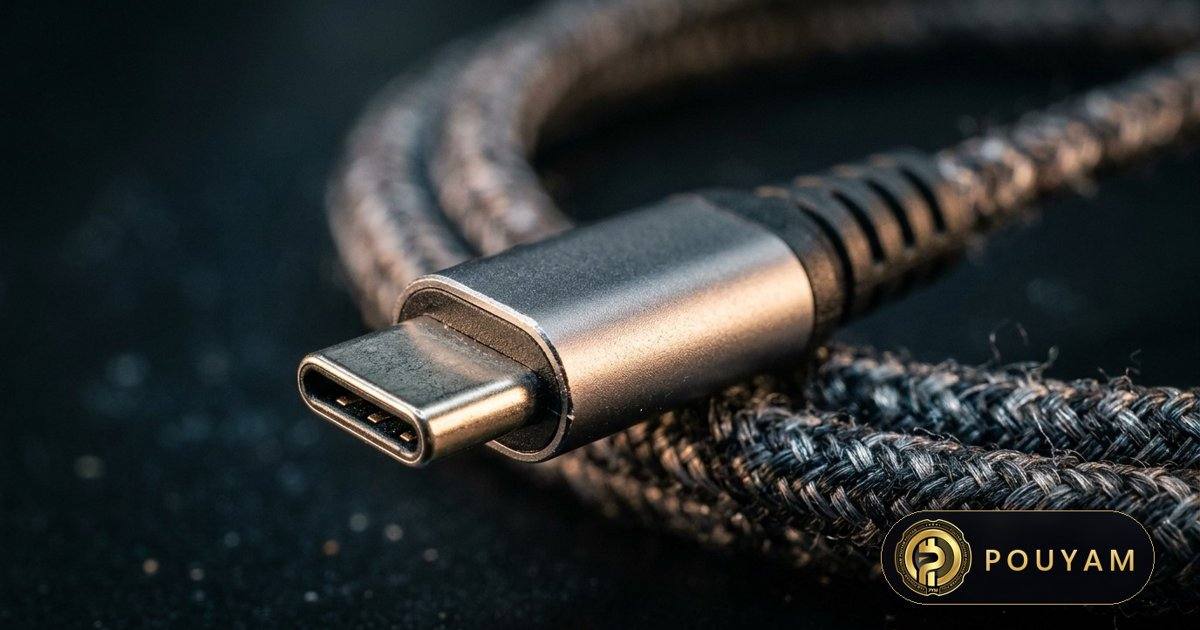
USB-C, formally USB Type-C, is the small oval plug and port used on phones, tablets and laptops, and required on many of them in the EU [1]. The USB Implementers Forum (USB-IF), the industry body that maintains USB standards, describes it simply as a type of connector with a slim design and a reversible plug: it does not matter which way round or which end you plug in [7].
The key point for buyers is what the connector does not promise. The USB-IF states that USB Type-C is not USB 3.2 or USB4 (the data standards) and is not USB Power Delivery (the fast-charging protocol), and that these terms are not interchangeable [7]. Device makers may choose to support USB Power Delivery, USB4 or USB 3.2 over a USB-C port, but none of them is required for a product to use the connector [7].
So two cables with identical plugs can behave very differently. One may charge a laptop at high power and move data at 40 gigabits per second; another may charge slowly and transfer data only at USB 2.0 speed. A host computer or device using USB 3.2 or USB4 falls back to the slower USB 2.0 speed when paired with a USB 2.0 Type-C cable [7].
Why did USB-C become the default?
The European Union chose USB Type-C as the common charging port because it was already common across many device types and, combined with USB Power Delivery, could supply up to 100 watts while still suiting low-end devices that do not need fast charging [1]. The EU rule, explained below, turned that common practice into a legal requirement for devices sold in the EU.
How fast can a USB-C charger charge a device?
Charging speed over USB-C depends mainly on USB Power Delivery (USB PD), a protocol in which the charger and the device agree on a voltage and current. According to the USB-IF, USB PD was previously limited to 100W, using 20 volts over USB Type-C cables rated at 5 amperes [4]. Revision 3.1 of the specification added fixed voltages of 28V, 36V and 48V, which allow 140W, 180W and 240W respectively, plus an adjustable-voltage mode from 15V up to the charger's maximum fixed voltage [4].
The cable matters as much as the charger. Under the USB-IF certification programme, every certified USB-C to USB-C cable must be labelled with a power capability of either 60W or 240W, and the matching logo must be on the cable before compliance testing [8]. The 240W cable requirements are defined in USB Type-C Release 2.1 [4].
What does this mean for a phone?
Phones draw far less than a laptop. Apple, for example, says a 20W or higher USB-C power adapter, including the one supplied with a Mac laptop, charges an iPhone faster, and that iPhone 15 and later models can charge small accessories that support USB Power Delivery at up to 4.5 watts [9]. USB PD lets a device negotiate for only the power it requires [4], and Apple's guidance confirms that a higher-wattage Mac laptop adapter can be used with an iPhone [9].
How fast can USB-C transfer data?
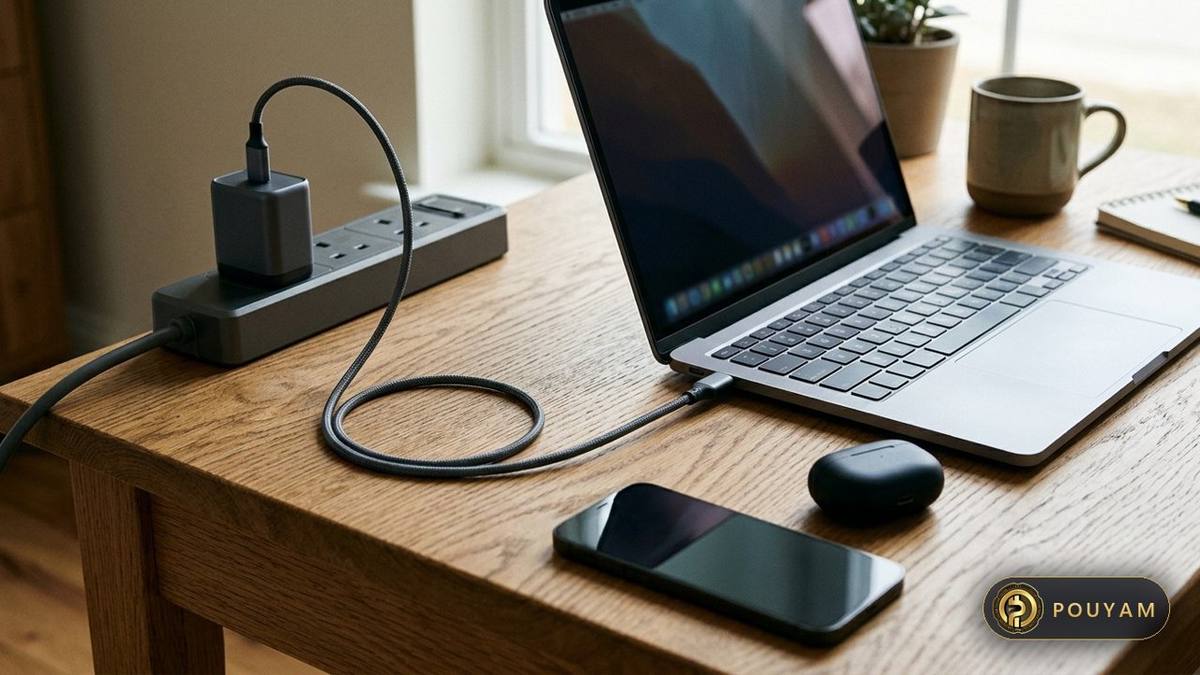
Data speed is set by the USB data standard behind the port, not by the connector. The USB4 and USB 3.2 specifications together define five transfer rates: 80, 40, 20, 10 and 5 gigabits per second (Gbps) [6]. To reduce confusion, the USB-IF recommends that products are sold to consumers as USB 80Gbps, USB 40Gbps, USB 20Gbps, USB 10Gbps or USB 5Gbps, and says engineering names such as USB4 Version 2.0, USB 3.2 and SuperSpeed Plus are not intended for packaging or other consumer-facing content [6].
The fastest tier comes from USB4 Version 2.0, published by the USB-IF on 18 October 2022. It allows up to 80Gbps over existing 40Gbps passive USB-C cables and newly defined 80Gbps active cables, and for uses such as high-performance displays it can run asymmetrically at up to 120Gbps in one direction and 40Gbps in the other [5]. USB4 is based on a Thunderbolt protocol specification contributed by Intel and supports compatibility with Thunderbolt 3 hosts and devices [10].
At the other end, a USB 2.0 Type-C cable supports only USB 2.0 data, up to 480Mbps, although it can still support USB Power Delivery [7]. Apple's own example shows the gap in practice: the USB-C cable that comes with an iPhone supports charging and USB 2 speeds, while iPhone 15 Pro and later Pro models reach USB 3.2 Gen 2 speeds of up to 10Gbit per second only with a separate USB 3 cable [9]. Google's Android help makes a related point when troubleshooting file transfers: not all USB cables can transfer files [11].
What does the EU common charger rule require?
The rule is Directive (EU) 2022/2380, which amends the Radio Equipment Directive 2014/53/EU. It was signed in Strasbourg on 23 November 2022 and published in the Official Journal on 7 December 2022 [1]. The European Parliament had approved it with 602 votes in favour, 13 against and 8 abstentions [3].
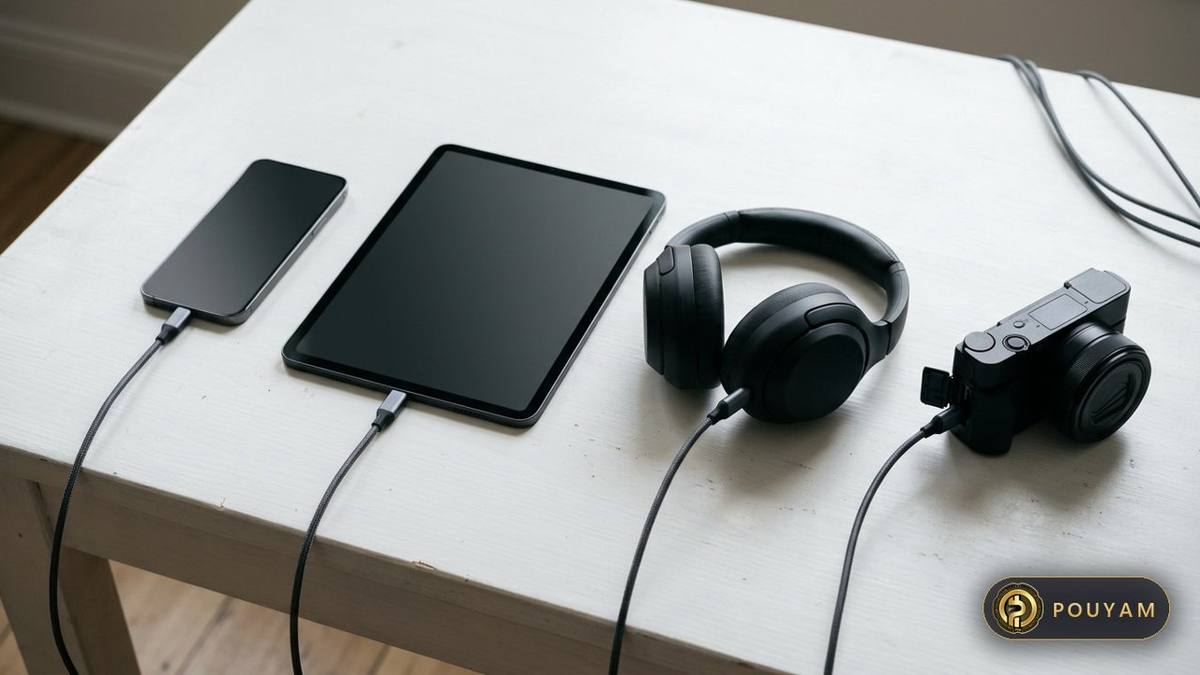
It applies to 13 categories of rechargeable radio equipment: handheld mobile phones, tablets, digital cameras, headphones, headsets, handheld videogame consoles, portable speakers, e-readers, keyboards, mice, portable navigation systems, earbuds and laptops [1]. Member States had to apply the rules from 28 December 2024 for the first 12 categories and from 28 April 2026 for laptops [1].
What exactly must a covered device do?
- If it charges by cable, it must have a USB Type-C receptacle that stays accessible and operational at all times, and it must charge with cables that comply with the USB Type-C standard [1].
- If it can charge at more than 5 volts, 3 amperes or 15 watts, it must incorporate USB Power Delivery, and any additional charging protocol must still allow the full functionality of USB PD whatever charger is used [1].
- Where a seller offers the device with a charger, it must also offer the option to buy it without one, and a pictogram on the packaging must show whether a charger is included [1].
- A label must describe the device's charging capabilities, including the text “USB PD fast charging” where the device supports that protocol [1].
The European Commission estimates that buying devices without chargers will cut electronic waste by 980 tonnes a year, and that the initiative will save consumers at least €250 million a year on unnecessary chargers [2]. When the law was voted, the Parliament said unused and discarded chargers accounted for about 11,000 tonnes of e-waste annually in the EU [3].
What does the EU rule not cover yet?
As of 3 November 2026, several gaps remain, according to the Commission's own summary [2]:
- Wireless charging has no mandatory requirements. The Commission calls them premature and, on 26 February 2025, adopted standardisation request M/607 to develop a harmonised standard [2].
- Other devices are outside the scope. A first Commission report on 30 June 2026 identified seven categories for possible inclusion: smartwatches, fitness trackers, smart glasses, wristbands, AR/VR headsets, personal-use drones and video game controllers [2].
- Cables are not yet unbundled; a report on that question is due by 28 December 2026 [2].
- Chargers themselves are covered by a separate external power supply regulation, Regulation (EU) 2025/2052, adopted on 13 October 2025 and applying from 14 December 2028. According to the Commission, chargers will need at least one USB Type-C port by default, common chargers must work only with detachable cables, each port must be marked with the power it supports, and a new EU common charger logo is introduced [2].
The directive is addressed to EU Member States [1], so it sets rules for products sold in the EU market rather than worldwide. Products sold outside the EU are not bound by it, so readers elsewhere should check local rules and the specific product rather than assume EU labelling applies.
How do you choose the right USB-C cable and charger?
- Check what your device needs. Look for its maximum charging power in watts and its data speed. In the EU, devices must state their charging capabilities on a label and indicate USB PD fast charging support [1].
- Choose a USB PD charger at or above that power. Apple, for instance, advises a USB-C power adapter that complies with the USB-C standard, including USB Power Delivery [9]. A charger rated above 100W needs the extended voltages added in USB PD Revision 3.1 [4].
- Match the cable's power label. Certified cables show either 60W or 240W [8], and USB PD reached 100W only with cables rated at 5 amperes [4]. For a laptop charger above 60W, that leaves the 240W-rated cable.
- Check the data label if you move files or drive a display. Most certified cables must show the data rate they support; USB 2.0 cables are exempt [8]. For full USB 3.2 or USB4 speed, the computer, the device and a full-featured USB Type-C cable must all support it [7].
- Prefer certified products. USB-IF logos may be used only on products that have passed compliance testing, and a cable that fails is not authorised to carry them [8]. Captive cables, which are permanently attached to a product, are not eligible for USB-IF cable certification [8].
What are the benefits and limits of USB-C?
Benefits
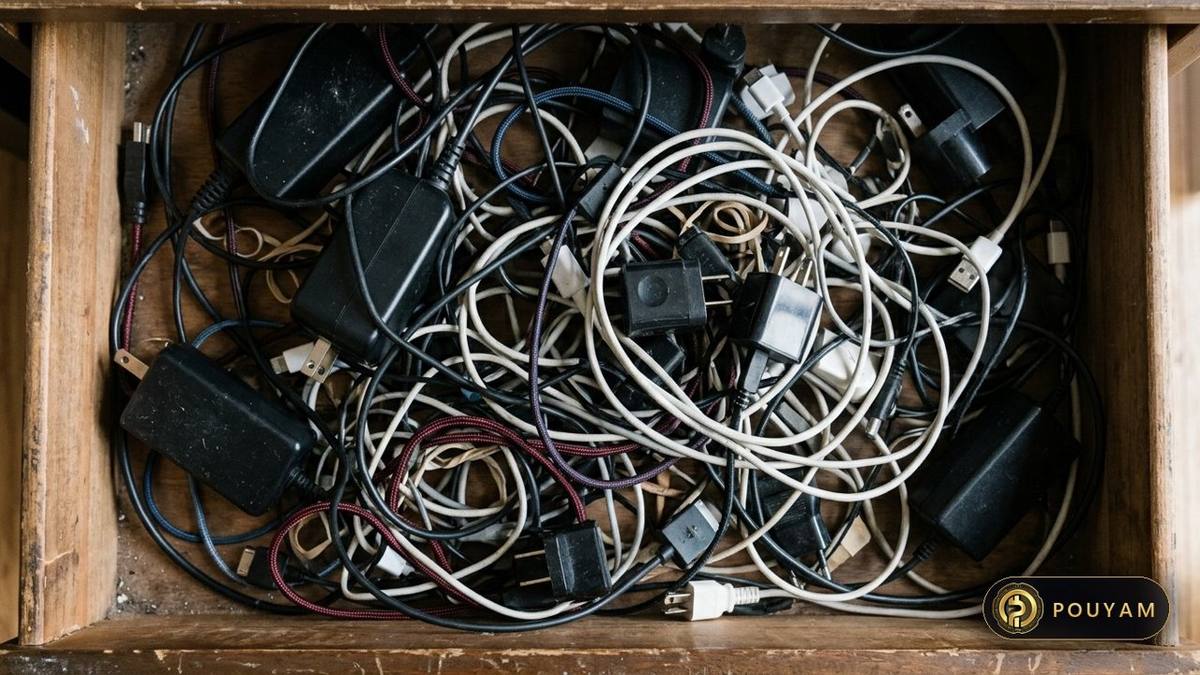
- One port and one charger type across many devices, which the Commission says lets people charge with any USB-C charger regardless of brand [2].
- A reversible plug that works either way round [7].
- Room to grow: USB PD now reaches 240W [4] and USB4 Version 2.0 reaches 80Gbps [5].
- Less waste and lower cost when people reuse chargers, by the Commission's estimates [2].
Limits
- Identical-looking cables can differ in power, data speed and video support, because the connector does not define those capabilities [7].
- Shoppers still meet engineering names on packaging, even though the USB-IF says they are not meant for consumers [6].
- Only certified cables carry the official power and speed logos [8]; uncertified ones may not state their limits clearly.
- Wireless charging and many wearables remain outside the EU rule for now [2].
What happens next for USB-C?
The directive itself anticipates change: it notes that USB specifications are subject to continuous development and gives the Commission power to add or remove device categories and update technical specifications [1]. The next scheduled steps are the cable-unbundling report due by 28 December 2026 and the charger rules that apply from 14 December 2028 [2]. Any extension to smartwatches, AR/VR headsets or other categories identified in June 2026 would need further EU decisions; as of 3 November 2026 none of these devices is covered [2].
On the technical side, the USB-IF has already defined 240W charging [4] and 80Gbps data [5]. For buyers, the practical rule is stable: read the watt and Gbps labels on the cable and charger, not the shape of the plug.
| Level | Type | What it means |
|---|---|---|
| USB 2.0 Type-C | Data | Up to 480Mbps; can still support USB Power Delivery [7] |
| USB 5Gbps / 10Gbps / 20Gbps | Data | Consumer names for products that signal at those rates [6] |
| USB 40Gbps | Data | Consumer name for products that signal at 40Gbps [6] |
| USB 80Gbps | Data | USB4 Version 2.0; optional 120Gbps one way, 40Gbps the other [5] |
| 15W (5V, 3A) | Power | Above this, EU-covered devices must support USB PD [1] |
| 60W cable label | Power | One of two power ratings for certified USB-C cables [8] |
| 100W (20V, 5A cable) | Power | USB PD ceiling before Revision 3.1 [4] |
| 140W / 180W / 240W | Power | Enabled by new 28V, 36V and 48V fixed voltages [4] |
| 240W cable label | Power | Highest certified cable rating [8] |
Common mistakes
Assuming every USB-C cable gives full speed
Fix: A USB 2.0 Type-C cable supports only USB 2.0 data and drops a USB 3.2 or USB4 device to USB 2.0 speed [7]. Check the cable's data label before moving large files [8].
Treating USB-C and fast charging as the same thing
Fix: The USB-IF says USB Type-C is not USB Power Delivery [7]. Look for USB PD support on both the charger and the device; in the EU the label should say “USB PD fast charging” [1].
Using a 60W cable with a high-power laptop charger
Fix: Certified cables are rated either 60W or 240W [8], so for a charger above 60W pick a cable with the 240W label.
Believing the EU rule bans proprietary fast charging
Fix: The directive allows additional charging protocols, provided they keep the full functionality of USB Power Delivery with any charger [1].
Expecting wireless chargers and smartwatches to follow the EU rule
Fix: As of 3 November 2026 wireless charging has no mandatory EU requirements and smartwatches are only candidates for inclusion [2].
Frequently asked questions
Is USB-C the same as Thunderbolt?
No. USB-C is the connector [7]. USB4 is based on a Thunderbolt protocol specification from Intel and supports compatibility with Thunderbolt 3 devices [10]. Apple notes that its Thunderbolt 4 (USB-C) Pro Cable carries a Thunderbolt symbol to distinguish it from a plain USB-C cable [9].
Can I charge my phone with my laptop's USB-C charger?
Usually, if both use USB Power Delivery. Apple says a 20W or higher USB-C adapter, such as the one supplied with a Mac laptop, can charge an iPhone faster [9]. USB PD lets charger and device agree on the power level [4].
Do new laptops sold in the EU need USB-C charging?
Yes. Laptops that charge by cable have been covered since 28 April 2026, after phones and 11 other categories from 28 December 2024 [1]. The Commission confirms laptops are now covered [2].
Will my new phone come without a charger?
It may. In the EU a seller that offers a device with a charger must also offer it without one, and the packaging pictogram shows which version you are buying [1].
What does “USB 40Gbps” on the box mean?
It is the USB-IF's recommended consumer name for a product that signals at 40Gbps [6]. Engineering names such as USB4 Version 1.0 are not meant for packaging [6].
Does the EU rule apply to wireless charging?
Not yet. The Commission says mandatory requirements would be premature and asked standards bodies in February 2025 to develop a harmonised standard [2].
Glossary
- USB Type-C (USB-C)
- A reversible connector for USB cables and ports; it does not by itself define charging power or data speed [7].
- USB Power Delivery (USB PD)
- A protocol that lets a charger and device negotiate higher power, up to 240W in Revision 3.1 [4].
- USB4
- A USB data architecture based on a Thunderbolt protocol specification, reaching up to 80Gbps in Version 2.0 [10][5].
- Unbundling
- Selling a device without a charger in the box; EU sellers must offer this option where they also sell a bundle [1].
- Captive cable
- A cable permanently attached to a product; it cannot receive USB-IF cable certification [8].
- USB-IF
- USB Implementers Forum, the non-profit group that supports USB specifications and runs the logo and compliance programme [5].
Sources
- Directive (EU) 2022/2380 of the European Parliament and of the Council of 23 November 2022 amending Directive 2014/53/EU Official Journal of the European Union (EUR-Lex) · 2022-12-07
- The EU common charger European Commission, Internal Market, Industry, Entrepreneurship and SMEs; live page, retrieved 2026-11-03
- Long-awaited common charger for mobile devices will be a reality in 2024 European Parliament press release · 2022-10-04
- USB Charger (USB Power Delivery) USB Implementers Forum; live page, retrieved 2026-11-03
- USB-IF Announces Publication of New USB4 Specification to Enable USB 80Gbps Performance USB Implementers Forum · 2022-10-18
- USB Data Performance Language Usage Guidelines from USB-IF USB Implementers Forum
- USB Type-C and USB 2.0 Type-C Cable and Connector Language Usage Guidelines from USB-IF USB Implementers Forum · 2023-03-20
- Cables and Connectors (compliance and certification) USB Implementers Forum; live page, retrieved 2026-11-03
- Charge and connect with the USB-C connector on your iPhone Apple Support · 2026-10-22
- USB4 USB Implementers Forum; live page, retrieved 2026-11-03
- Transfer files between your computer & Android device Google, Android Help; live page, retrieved 2026-11-03


Comments
Top comments