
In short
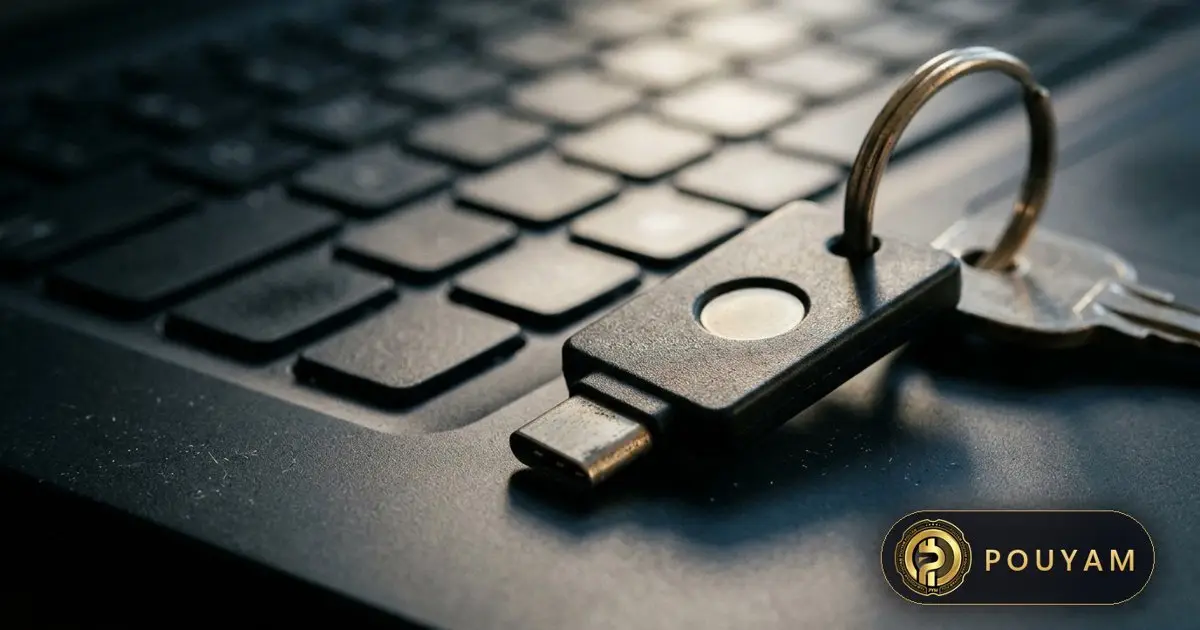
Two-factor authentication (2FA) asks for a second proof of identity after your password [4]. Any 2FA is far better than none: a Microsoft study found it cut account-compromise risk by 99.22% [8]. The safest methods are FIDO security keys and passkeys, which resist phishing [1][2]. SMS codes are the weakest option [1].
Key takeaways
- 2FA, also called two-step verification (2SV) or multi-factor authentication (MFA), adds a second check that only you can complete [4].
- A Microsoft Research study found MFA reduced the risk of compromise by 99.22% overall and by 98.56% for accounts with leaked credentials [8].
- CISA ranks MFA from strongest to weakest: FIDO/WebAuthn and PKI, then app-based codes or push with number matching, then push without number matching, then SMS or voice [1].
- Only FIDO-based methods, such as security keys and passkeys, are phishing-resistant; authenticator-app codes can still be phished [2].
- SMS codes can be stolen through SIM swapping or SS7 network flaws [1]; the FBI received 1,611 SIM-swap complaints with more than $68 million in losses in 2021 [6].
- Save backup codes and set a second method, so losing your phone does not lock you out [4].
On this page 12 sections
- What is two-factor authentication?
- Which 2FA method is safest?
- How do the main 2FA methods compare?
- Why are SMS codes considered weak?
- How do authenticator apps and push prompts work?
- How do security keys and passkeys fit in?
- How do you set up 2FA safely?
- What is changing in 2FA?
- Common mistakes
- Frequently asked questions
- Glossary
- Sources
What is two-factor authentication?
Two-factor authentication (2FA) is a second check, after your password, that proves it is really you logging in [4]. The UK's National Cyber Security Centre (NCSC) notes that it is also called two-step verification (2SV) or multi-factor authentication (MFA) [4]. The second step uses something only you can access, such as your phone or a security key [4].
MFA combines two or more different types of factor: something you know (a password or PIN), something you have (a phone or key) or something you are (a fingerprint or face) [1]. If a criminal steals your password, they still cannot get in without the second factor [1].
Does 2FA actually work?
Yes. A 2023 Microsoft Research study of Azure Active Directory accounts showing suspicious activity found that MFA reduced the risk of compromise by 99.22% across the whole population. For accounts whose credentials had already leaked, the reduction was 98.56% [8]. More than 99.99% of MFA-enabled accounts stayed secure during the study period [8]. The NCSC says any 2SV is better than none, even text messages [4].
The scale of password attacks explains why. Microsoft reported seeing about 7,000 password attacks per second in 2024, more than double the 2023 rate [11].
Which 2FA method is safest?
Not all 2FA is equally strong. CISA, the US cybersecurity agency, ranks methods from strongest to weakest by how well they resist common attacks [1]:
- Phishing-resistant MFA: FIDO/WebAuthn (security keys and passkeys) and PKI-based smart cards. CISA calls this the gold standard [1].
- App-based codes or push with number matching: one-time codes from an authenticator app or hardware token, or push prompts where you type a number shown on the login screen [1].
- Push without number matching: a simple "Approve?" prompt, which is open to push bombing [1].
- SMS or voice codes: CISA says these should be used only as a last resort [1].
CISA states that FIDO/WebAuthn is the only widely available phishing-resistant authentication [1]. Its 2025 mobile guidance repeats the point: authenticator codes are better than SMS but still vulnerable to phishing, and only FIDO authentication is phishing-resistant [2]. The NCSC reached the same conclusion in April 2026. It assessed all traditional MFA methods, including SMS codes, email codes, app codes and push approvals, as inherently phishable [5].
What makes a method phishing-resistant?
NIST defines phishing resistance as the ability of the sign-in protocol to stop secrets being disclosed to an impostor site without relying on the user's vigilance [3]. Any method where you read a code and type it in cannot qualify, because you could type it into a fake site [3]. FIDO methods are bound to the genuine website, so a look-alike site cannot use them [5].
How do the main 2FA methods compare?
The table below summarises each method's protection against the main attacks, based on CISA's ranking and NIST's guidelines. CISA groups the attacks into four types [1]:
- Phishing: a fake login page collects your password and your one-time code [1].
- Push bombing: an attacker floods you with approval prompts until you accept one [1].
- SS7 exploitation: flaws in the phone network's signalling system let attackers obtain codes sent by SMS or voice call [1].
- SIM swap: criminals persuade a mobile carrier to move your number to their SIM card [1].
Why are SMS codes considered weak?
Text-message codes are the most common form of 2FA, and the NCSC notes they are the default on most services [4]. They are also the easiest to steal.
- Messages are not encrypted. CISA notes that anyone with access to a telecom provider's network who intercepts SMS messages can read them [2].
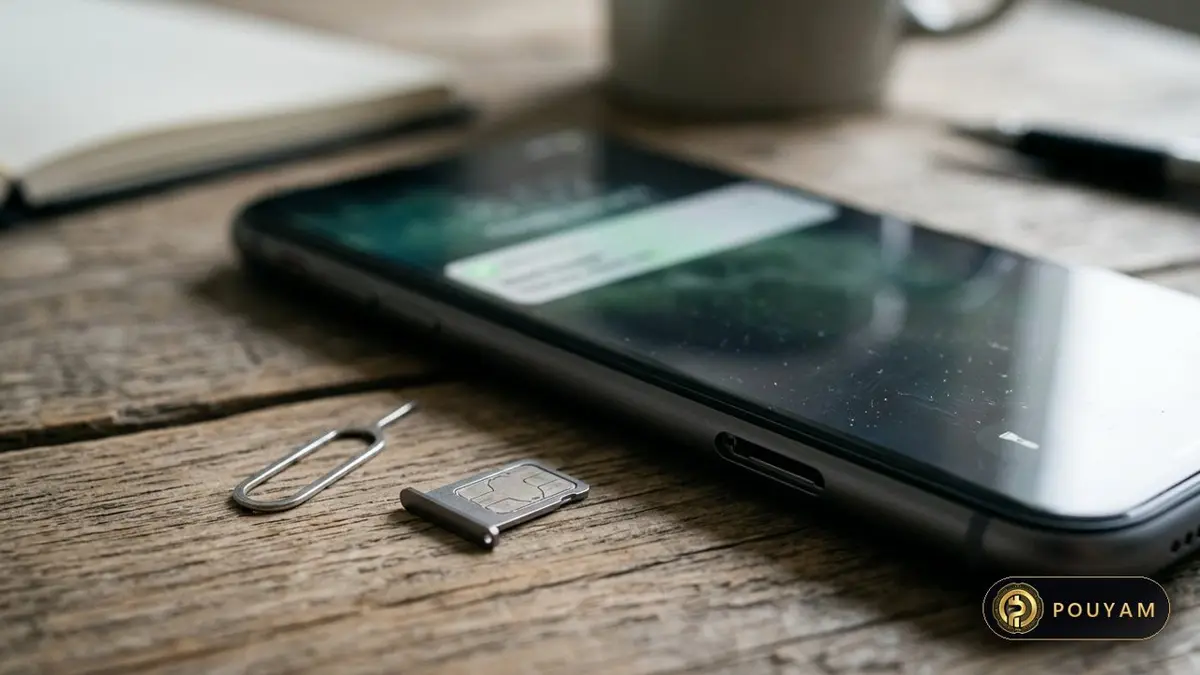
- Numbers can be hijacked. In a SIM swap, criminals impersonate the victim, bribe a carrier employee, or hack carrier systems to move a number to their SIM [6]. They then receive the victim's texts, including 2FA codes and password-reset messages [6].
- They can be phished. Like any typed code, an SMS code can be entered on a fake site [3].
The losses are real. The FBI's Internet Crime Complaint Center received 320 SIM-swap complaints from January 2018 to December 2020, with adjusted losses of about $12 million. In 2021 alone it received 1,611 complaints, with more than $68 million in losses [6].
NIST's 2025 guidelines classify SMS and voice codes as a restricted authenticator. Services that use them must offer at least one unrestricted alternative and should check for risk signals such as a recent SIM change or number port [3]. NIST also says email must not be used for out-of-band authentication [3]. The NCSC is more permissive for individuals: it lists email as a possible second step if it is a different account from the one used to reset your password [4].
Should I still use SMS if it is the only option?
Yes. The NCSC says text messages are not the most secure type of 2SV but are still a big improvement over a password alone [4]. CISA calls SMS a last resort, but one that can serve as a temporary step [1].
How do authenticator apps and push prompts work?
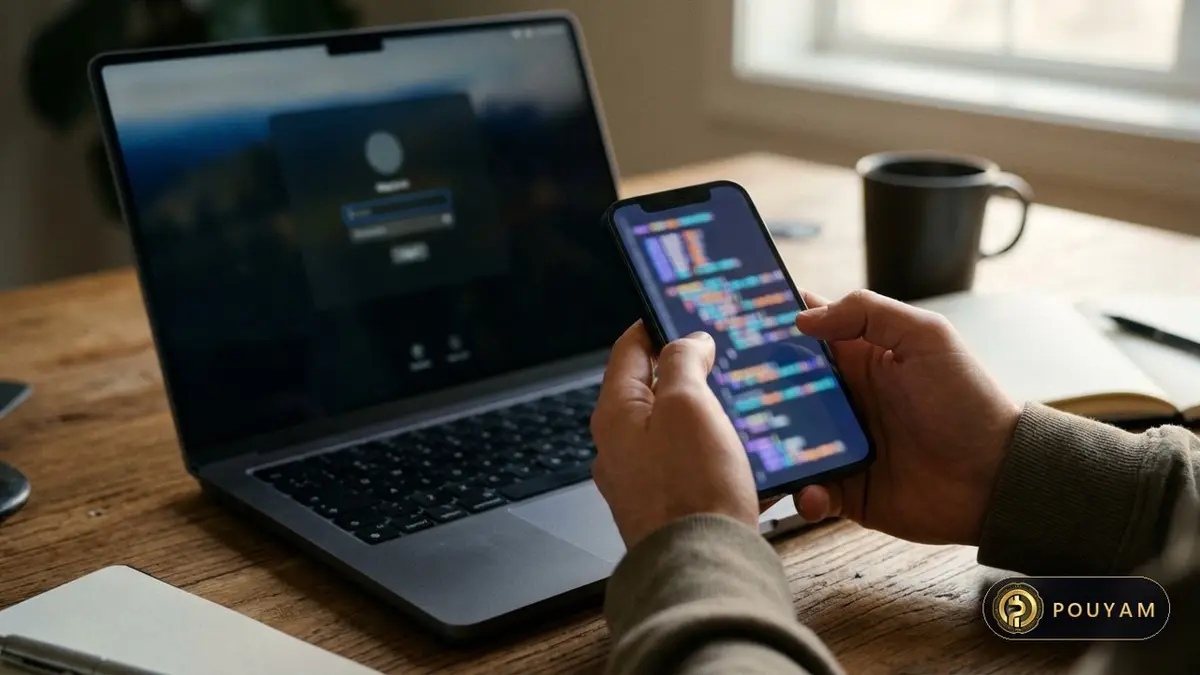
Most authenticator apps produce time-based one-time passwords (TOTP), defined in the internet standard RFC 6238 [7]. When you set up the app, it and the service share a secret key. The app then combines that key with the current time to produce a short code that changes every time step, 30 seconds by default [7]. Because the code is computed on the phone, authenticator apps do not need a mobile signal [4]. That makes them useful where mobile coverage or SMS delivery is unreliable.
Authenticator apps resist SIM swapping and SS7 attacks [1], and the Microsoft study found dedicated apps such as Microsoft Authenticator outperformed SMS [8]. Their weakness is phishing: a fake site can ask for the code and relay it at once [1][2].
What is number matching?
Push 2FA sends an approval prompt to your phone. Without number matching, you just tap Accept, which makes push bombing possible. With number matching, you must type a number shown on the login screen into the app, which adds a check against blind approvals [1]. CISA recommends number matching for organisations that cannot yet use phishing-resistant MFA [1].
How do security keys and passkeys fit in?
Security keys and passkeys both use FIDO standards and public-key cryptography [10]. A security key is a small physical device that connects by USB or NFC. A passkey can live on your phone or computer, unlocked by your fingerprint, face or PIN [10].
For people at high risk of targeted attacks, CISA says hardware FIDO security keys are the most effective option where feasible, and FIDO passkeys are an acceptable alternative [2]. The NCSC says passkeys are as secure as or more secure than traditional MFA against all common credential attacks seen in the wild [5]. It recommends them as the first choice wherever services offer them [12].
A passkey can also make a separate second step unnecessary. For a Google Account, signing in with a passkey bypasses the 2-Step Verification step [9]. The NCSC says that when the device verifies the user, a FIDO2 credential is multi-factor on its own [5].
How do you set up 2FA safely?
- Start with email. The NCSC advises turning on 2SV for important accounts, especially email, because access to your inbox can let criminals reset your other passwords [4].
- Pick the strongest method offered. Prefer a passkey or security key, then an authenticator app, and use SMS only when nothing else is available [1][2].
- Remove the weaker fallback. CISA notes that enrolling an authenticator app does not automatically remove SMS from the account, which leaves a weak fallback. Disable SMS once a stronger method is working [2].
- Save backup codes. Store the single-use backup codes somewhere safe, and generate new ones once you have used them [4].
- Add a second method. The NCSC recommends a backup option in case your main second step is unavailable [4].
- Protect your phone number. CISA suggests setting a telco PIN with your mobile provider [2]. The FBI advises never giving your PIN or password to unsolicited callers [6].
- Never approve a prompt you did not start. Unexpected push prompts can be a push-bombing attempt [1].
Watch for warning signs. The FBI says a sudden loss of mobile signal or SMS service can indicate a SIM swap. If that happens, contact your carrier at once and change your account passwords [6].

What is changing in 2FA?
Official guidance is moving away from codes and towards phishing-resistant methods. NIST's 2025 guidelines require services at its AAL2 assurance level to offer at least one phishing-resistant option [3]. NIST also notes that it may adjust the restricted status of phone-network codes as threats change [3]. In April 2026 the NCSC said it would recommend passkeys wherever a service supports them, and 2SV where it does not [5].
For most people, the practical path as of 3 November 2026 has three steps. Turn on 2FA everywhere it is offered. Replace SMS with an authenticator app where you can. Then move your most important accounts to passkeys or a security key. Each step closes off a class of attack that the weaker method leaves open [1][5].
| Method | Phishing | Push bombing | SIM swap / SS7 | Official view |
|---|---|---|---|---|
| FIDO security key or passkey | Resistant [1] | Not applicable [1] | Not applicable [1] | Gold standard [1] |
| Authenticator-app code (TOTP) | Vulnerable [1] | Not applicable | Not applicable [1] | Better than SMS, still phishable [2] |
| Push with number matching | Vulnerable [1] | Resistant [1] | Not applicable [1] | Acceptable interim option [1] |
| Push without number matching | Open to user error [1] | Vulnerable [1] | Not applicable [1] | Weaker app option [1] |
| SMS or voice code | Vulnerable [1] | Not applicable | Vulnerable [1] | Last resort [1]; restricted by NIST [3] |
| Email code | Vulnerable [3] | Not applicable | Not applicable | Not allowed for out-of-band use under NIST [3] |
Common mistakes
Keeping SMS on after adding an authenticator app
Fix: CISA notes that enrolling an app does not remove SMS, leaving a weak fallback. Disable SMS once the stronger method works [2].
Not saving backup codes
Fix: Store single-use backup codes somewhere safe and set up a second method, as the NCSC advises [4].
Approving a login prompt you did not start
Fix: Repeated unexpected prompts are a sign of push bombing [1]. Deny them and change your password.
Typing a 2FA code into a page reached from a link
Fix: Codes from apps and SMS can be relayed by fake sites [1]. Go to the site directly, or use a passkey, which cannot be phished [5].
Using security questions as a second factor
Fix: The NCSC says memorable information and security questions do not give the same protection as 2SV [4].
Frequently asked questions
Is two-factor authentication worth it?
Yes. Microsoft researchers found that MFA cut the risk of account compromise by 99.22% [8], and the NCSC says any 2SV, even SMS, is better than none [4].
Which is the most secure type of 2FA?
FIDO-based methods, meaning hardware security keys and passkeys. CISA calls phishing-resistant MFA the gold standard [1] and rates hardware keys most effective for high-risk users [2].
Is SMS two-factor authentication safe?
It is better than no 2FA [4] but the weakest common option. SMS can be intercepted or redirected by SIM swaps and SS7 attacks [1], so CISA calls it a last resort [1].
Are authenticator apps better than SMS?
Yes. They resist SIM swaps and SS7 attacks [1] and outperformed SMS in Microsoft's study [8]. They work without a mobile signal [4], but their codes can still be phished [2].
What happens if I lose my phone with my authenticator app?
Use your saved backup codes or a second method you set up in advance [4]. Without them, you will need the service's account recovery process.
Glossary
- Two-factor authentication (2FA)
- A login that needs a second check after the password; also called 2SV or MFA [4].
- TOTP
- Time-based one-time password: a code generated from a shared secret and the current time, defined in RFC 6238 [7].
- SIM swap
- A fraud in which criminals get a mobile carrier to move a victim's number to a SIM card they control [6].
- SS7
- Signalling System 7, the phone network signalling protocol whose flaws can expose SMS and voice codes [1].
- Push bombing
- Flooding a user with login approval prompts until they accept one; also called push fatigue [1].
- Number matching
- A push 2FA feature that requires typing a number shown on the login screen into the app before approving [1].
- Phishing-resistant MFA
- Authentication that cannot be relayed through a fake site; in practice FIDO/WebAuthn or PKI [1].
Sources
- Implementing Phishing-Resistant MFA (fact sheet) US Cybersecurity and Infrastructure Security Agency (CISA)
- Mobile Communications Best Practice Guidance, version 2.0 US Cybersecurity and Infrastructure Security Agency (CISA) · 2025-11-24
- NIST SP 800-63B-4: Digital Identity Guidelines, Authentication and Authenticator Management US National Institute of Standards and Technology (NIST)
- Setting up 2-Step Verification (2SV) UK National Cyber Security Centre (NCSC) · 2018-08-07
- Passkeys are more secure than traditional ways to log in UK National Cyber Security Centre (Dave Chismon) · 2026-04-23
- Criminals Increasing SIM Swap Schemes to Steal Millions of Dollars from US Public (Alert I-020822-PSA) FBI Internet Crime Complaint Center (IC3) · 2022-02-08
- RFC 6238: TOTP: Time-Based One-Time Password Algorithm Internet Engineering Task Force (IETF)
- How effective is multifactor authentication at deterring cyberattacks? Microsoft (Meyer, Romero, Bertoli, Burt, Weinert, Lavista Ferres), arXiv · 2023-05-01
- Sign in with a passkey instead of a password Google Account Help
- Passkeys: passwordless authentication FIDO Alliance
- Pushing passkeys forward: Microsoft's latest updates for simpler, safer sign-ins Microsoft Security Blog · 2025-05-01
- NCSC: Leave passwords in the past - passkeys are the future UK National Cyber Security Centre (NCSC) · 2026-04-23




Comments
Top comments