
In short
Phishing is when criminals use scam emails, text messages or phone calls to trick people into visiting a harmful website or handing over bank details and other personal information [3]. Phishing and spoofing produced 191,561 complaints to the FBI in 2025, more than any other crime type [8]. QR codes in emails are a growing variant [6].
Key takeaways
- Phishing messages pretend to come from someone you trust and push you to act quickly, often with threats, offers or claims of a problem with your account [1][4].
- Phishing/spoofing was the most-reported crime type to the FBI's Internet Crime Complaint Center in 2025, with 191,561 complaints and reported losses of $215,843,126 [8].
- Bad spelling is no longer a reliable sign; the FBI says generative AI helps criminals remove grammar and spelling errors [12], and the NCSC says some scams fool experts [4].
- QR codes in emails ('quishing') hide malicious links and can slip past filters that do not scan images [6].
- If in doubt, contact the organisation using details from its official website, never those in the message [4].
- Multi-factor authentication helps, but CISA says only FIDO/WebAuthn authentication, the basis of passkeys, is widely available and phishing-resistant [10][11].
On this page 11 sections
What is phishing?
The UK National Cyber Security Centre (NCSC) defines phishing as criminals using scam emails, text messages or phone calls to trick their victims; the aim is often to make you visit a website that may download a virus onto your computer, or to steal bank details or other personal information [3]. The US Federal Trade Commission (FTC) puts it more briefly: scammers use email or text messages to trick you into giving them your personal and financial information [1].
The FBI groups the crime as 'phishing/spoofing': unsolicited emails, texts and phone calls purportedly from a legitimate company that request personal, financial or login credentials [8]. Spoofing means faking the sender, for example making a message look as if it came from your bank.
Phishing is a form of social engineering, which the FBI describes as obtaining secure data by conning a person into revealing it [12]. It works on human trust rather than on technical flaws, so it can bypass strong systems if a person can be persuaded to hand over a password or code.
What forms does phishing take?
- Email phishing: mass messages imitating banks, shops, delivery firms or employers [1].
- Spear phishing: a directed attempt to trick a specific person or group, using information meant to increase the chance of success [12].
- Text-message phishing (smishing): the same tricks sent by SMS; the FTC's definition explicitly covers text messages [1].
- Phone phishing (vishing): calls that pretend to be from a trusted organisation; the NCSC treats scam calls as part of phishing [3].
- QR-code phishing (quishing): QR codes in emails that lead to malicious websites [6].
How is AI changing phishing?
In December 2024 the FBI warned that criminals use generative AI to write believable text for social engineering and spear phishing, to send messages faster to a wider audience, and to translate messages so they contain fewer grammatical or spelling errors [12]. The NCSC similarly notes that scams used to be easier to spot through bad spelling or odd design, but are getting smarter and some even fool the experts [4].
Who is targeted personally?
Criminals use information about you that is available online, including on social media, to make messages more convincing [3]. High-profile groups also face state-linked campaigns. Freedom House reported that a hacking group linked to Iran's Islamic Revolutionary Guard Corps impersonated journalists and human rights activists online to lure government critics into phishing operations [13]. For Persian-speaking journalists and activists, an unexpected interview request or document link deserves the same checks as a bank message.
How do you recognise a phishing message?
According to the FTC, phishing messages often say they have noticed suspicious activity or log-in attempts, claim there is a problem with your account or payment information, ask you to confirm personal or financial details, include an invoice you do not recognise, ask you to click a link to make a payment, say you are eligible for a government refund, or offer a coupon for free items [1].
The NCSC suggests checking a suspicious message for these tell-tale signs [4]:
- Authority: does it claim to be from someone official, such as your bank, doctor, a solicitor or a government department [4]?
- Urgency: are you told to respond within 24 hours or immediately, often with a threat of fines [4]?
- Emotion: does it make you panic, or feel fearful, hopeful or curious [4]?
- Scarcity: does it offer something in short supply, such as concert tickets, money or a medical cure [4]?
- Current events: does it exploit a news story, a big event or a time of year such as tax season [4]?
The NCSC adds that your bank or any other official source will never ask you to supply personal information by email, or call and ask you to confirm your bank account details [4]. If you have doubts, contact the organisation directly using details from its official website, not the numbers or addresses in the message [4].
How common is phishing?
The FBI's Internet Crime Complaint Center (IC3) received 1,008,597 complaints in 2025, with $20.877 billion in reported losses [8]. Phishing/spoofing was the largest category by number of complaints, at 191,561 [8]. Its reported losses rose to $215,843,126 in 2025 from $70,013,036 in 2024 [8]. Complaint numbers count only what people choose to report to the IC3, not all phishing that takes place.
The Anti-Phishing Working Group (APWG), an industry coalition, observed 1,003,924 phishing attacks in the first quarter of 2025, the largest number since late 2023, and said criminals are sending millions of emails each day containing QR codes [9]. Attacks on online payment and banking together made up 30.9 percent of all attacks in that quarter [9].
In the UK, the NCSC's reporting service had received more than 59.6 million reported scams as of September 2026, leading to 263.7 thousand scams being removed across 466,300 URLs [3].
Are QR codes safe to scan?
Usually, in ordinary places. The NCSC says QR codes in pubs or restaurants are probably safe to scan, that QR-enabled fraud is relatively small compared with other cyber fraud, and that most of it happens in open spaces such as stations and car parks, often combined with social engineering [6].
Email is the bigger concern. The NCSC is seeing an increase in QR codes in phishing emails, a technique sometimes called quishing, because QR codes disguise malicious links, not all email security tools scan images, and people tend to scan with personal phones that may have weaker protection than a work computer [6].
What do the FBI and FTC advise?
- After scanning, check the web address; a malicious domain may look like the real one with a typo or misplaced letter [7].
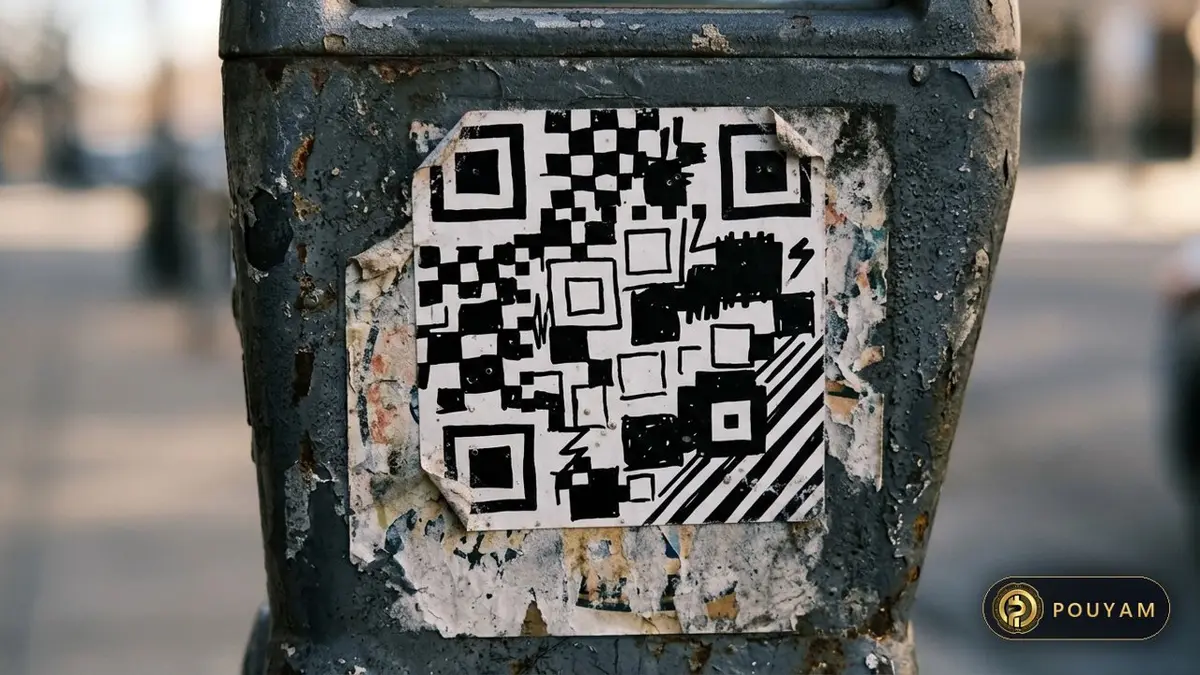
- On a physical code, check it has not been covered with a sticker [7]. The FTC notes reports of scammers covering QR codes on parking meters with their own [2].
- Do not download an app from a QR code or install a separate QR scanner app; most phones have a scanner in the camera app [7].
- Do not scan a QR code in an email or text you were not expecting; contact the company using a phone number or website you know is real [2].
- Avoid paying through a site reached from a QR code; type a known, trusted address instead [7].
What should you do if you clicked a phishing link?
Act quickly and in this order:
- Stop and break contact. The NCSC's advice is to stop, break the contact and consider the language used [4].
- If you gave out a password, the NCSC says to change the passwords on any accounts that use the same password, and to use a passkey instead if available [14]. The FTC also recommends multi-factor authentication for protecting accounts [1].
- If you opened an attachment or installed something, update your security software, run a scan and remove anything it flags [1][14]. If it happened on a work laptop or phone, tell your IT department [14].
- If you lost money or gave bank details, tell your bank, using the number on your card or statement, where official contact details are often printed [4], and report it as a crime; in England, Wales and Northern Ireland that means Report Fraud, and in Scotland, Police Scotland [14]. US readers whose Social Security, card or bank number may be exposed can follow the steps at IdentityTheft.gov [1].
- If you paid through a tampered QR code, the FBI says to report it, and warns that law enforcement cannot guarantee recovery of lost funds [7].
How do you report phishing?
In the UK, forward suspicious emails to the NCSC's Suspicious Email Reporting Service at report@phishing.gov.uk [5]. In the US, the FTC says to forward phishing emails to the Anti-Phishing Working Group at reportphishing@apwg.org, forward phishing texts to SPAM (7726), and report the attempt at ReportFraud.ftc.gov [1]. Fraud losses in the US can also be reported to the FBI's IC3 [7]. This is general information, not financial or legal advice; your bank and national reporting centre are the authorities for your case.
Which defences actually stop phishing?
The FTC lists four protections: security software on your computer, automatic updates on your phone, multi-factor authentication on your accounts, and backups of your data [1].
Does multi-factor authentication stop phishing?
It helps a lot, but not completely. Multi-factor authentication (MFA) requires two or more kinds of proof, such as a password plus a code [10]. The US Cybersecurity and Infrastructure Security Agency (CISA) explains that a common phishing technique sends users to a fake login page where they enter their username, password and the 6-digit code from their authenticator app, which the attacker then uses [10]. CISA adds that codes sent by text or voice can also be stolen through SS7 network flaws or SIM swaps, and that attackers bombard users with push notifications until they press Accept [10].
CISA states that the only widely available phishing-resistant authentication is FIDO/WebAuthn, which is supported in major browsers, operating systems and smartphones [10]. It still says any form of MFA is better than none [10]. Passkeys are FIDO credentials that replace passwords with cryptographic key pairs, and the FIDO Alliance says that, unlike passwords, passkeys are always strong and phishing-resistant [11]. It adds that there are no passwords to steal from breached databases [11].
What else reduces risk?
Review what you and others post about you online and tighten social media privacy settings, since criminals use that information to personalise messages [3]. Report suspicious messages: the NCSC says reporting reduces the scams you receive and helps protect others [3].

| Warning sign | Example | Safe response |
|---|---|---|
| Claims of suspicious activity | 'We noticed unusual log-in attempts' [1] | Open the app or site yourself, not the link [4] |
| Account or payment problem | 'Your payment details need updating' [1] | Contact the company via its official website [4] |
| Urgency or threats | 'Respond within 24 hours or pay a fine' [4] | Pause and check; pressure is meant to stop you thinking [4] |
| Unexpected invoice or refund | An invoice you do not recognise, or a government refund offer [1] | Do not click; verify independently [1] |
| Request for personal details | A message or call asking to confirm bank details [4] | Hang up and call the official number on your card [4] |
| QR code in an email | 'Scan to reschedule your delivery' [2] | Do not scan unexpected codes [2] |
Common mistakes
Relying on spelling mistakes to spot a scam.
Fix: Judge the request, not the grammar; the FBI says AI tools help criminals remove errors [12].
Calling the phone number given in the suspicious message.
Fix: Use contact details from the official website or your card or statement [4].
Scanning a QR code sent in an unexpected email.
Fix: Do not scan it; go to the company's site or app directly [2][6].
Downloading a third-party QR scanner app.
Fix: Use the scanner built into your phone's camera app [7].
Assuming any MFA makes you phishing-proof.
Fix: Keep MFA on, and move to passkeys or other FIDO/WebAuthn methods where offered [10][11].
Frequently asked questions
What is phishing in simple words?
A trick in which criminals send scam emails, texts or calls pretending to be someone you trust, to get you to visit a harmful site or hand over personal or bank details [3].
What is the difference between phishing and spear phishing?
Phishing is usually sent widely. Spear phishing targets a specific person or group and uses information about them to make the message more convincing [12].
Can you get hacked just by opening a phishing email?
The NCSC describes phishing as aiming to make you visit a website or hand over details [3], so the main danger comes when you act on the message. If you opened an attachment or followed instructions to install software, run a full antivirus scan [14].
Glossary
- Phishing
- Using scam emails, texts or calls to trick people into visiting harmful sites or revealing personal information [3].
- Spoofing
- Faking the apparent sender of a message; the FBI groups it with phishing [8].
- Spear phishing
- A targeted phishing attempt aimed at a specific person or group [12].
- Quishing
- Phishing that uses QR codes, especially in emails, to hide malicious links [6].
- Social engineering
- Conning a person into revealing secure information [12].
- Phishing-resistant MFA
- Authentication, such as FIDO/WebAuthn, that a fake login page cannot capture and reuse [10].
Sources
- How To Recognize and Avoid Phishing Scams US Federal Trade Commission, Consumer Advice
- Scammers hide harmful links in QR codes to steal your information US Federal Trade Commission, Consumer Alert (Alvaro Puig) · 2023-12-06
- Phishing scams: how to spot and report them UK National Cyber Security Centre; figures as of September 2026, retrieved 2026-11-03
- How to spot a scam email, text message or call UK National Cyber Security Centre; retrieved 2026-11-03
- Report a scam email UK National Cyber Security Centre; retrieved 2026-11-03
- QR Codes - what's the real risk? UK National Cyber Security Centre (Dave Chismon) · 2024-02-08
- Cybercriminals Tampering with QR Codes to Steal Victim Funds FBI Internet Crime Complaint Center · 2022-01-18
- 2025 IC3 Annual Report FBI Internet Crime Complaint Center
- Phishing Activity Trends Reports (1Q 2025 highlights) Anti-Phishing Working Group
- Implementing Phishing-Resistant MFA (fact sheet) US Cybersecurity and Infrastructure Security Agency
- Passkeys FIDO Alliance; retrieved 2026-11-03
- Criminals Use Generative Artificial Intelligence to Facilitate Financial Fraud FBI Internet Crime Complaint Center · 2024-12-03
- Iran: Freedom on the Net 2024 Country Report Freedom House
- Phishing scams: If you've shared sensitive information UK National Cyber Security Centre; retrieved 2026-11-03



Comments
Top comments