We use cookies and similar technologies for analytics, personalization, and marketing. You can accept all, reject non-essential cookies, or customize your choices.
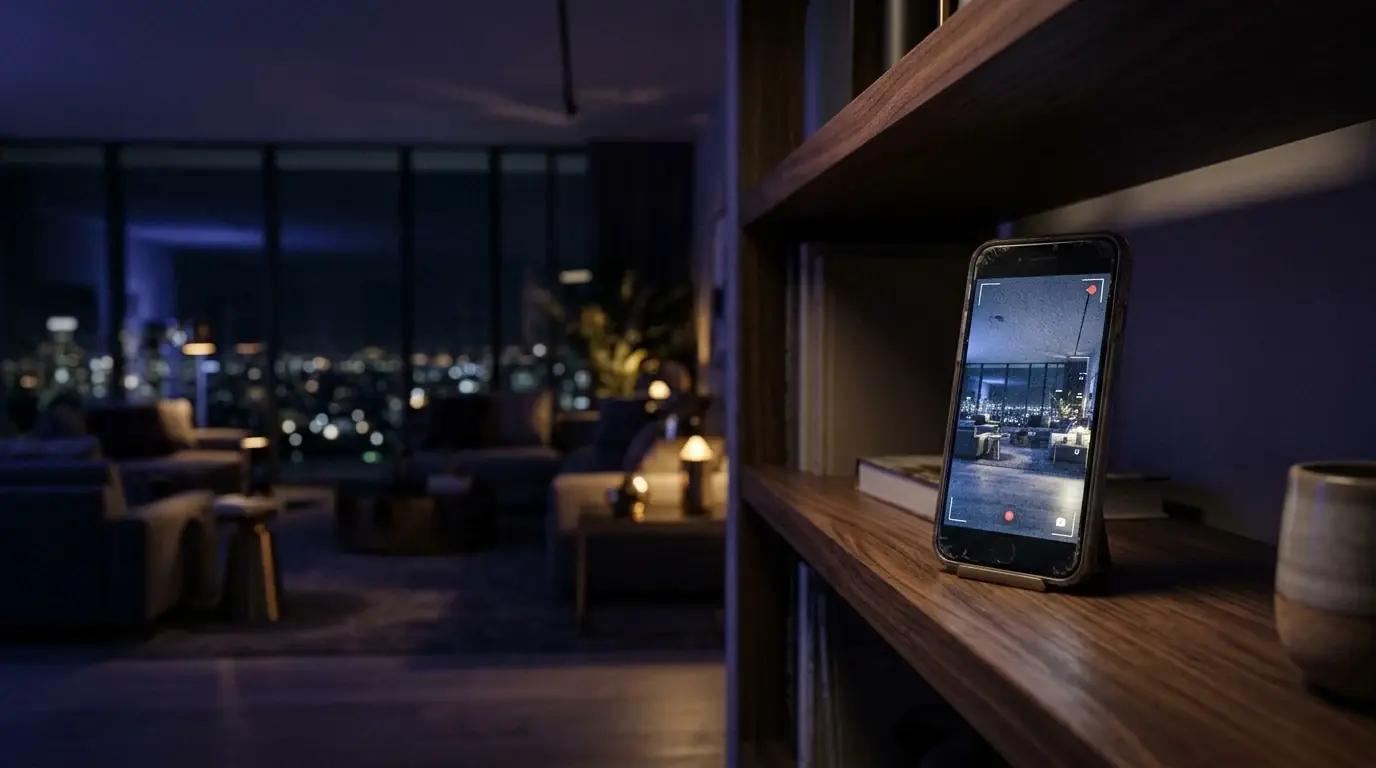
The phone or tablet gathering dust in a drawer becomes a smart security camera in under a minute with one QR code. Watch live from anywhere, talk to your home, and let the AI on the phone itself stay awake for you: it spots people, vehicles, animals and the sound of breaking glass or alarms, and tells you the moment it happens.
No wiring, no expensive device, no separate app. Everything runs in the phone’s browser.
1
Create a camera
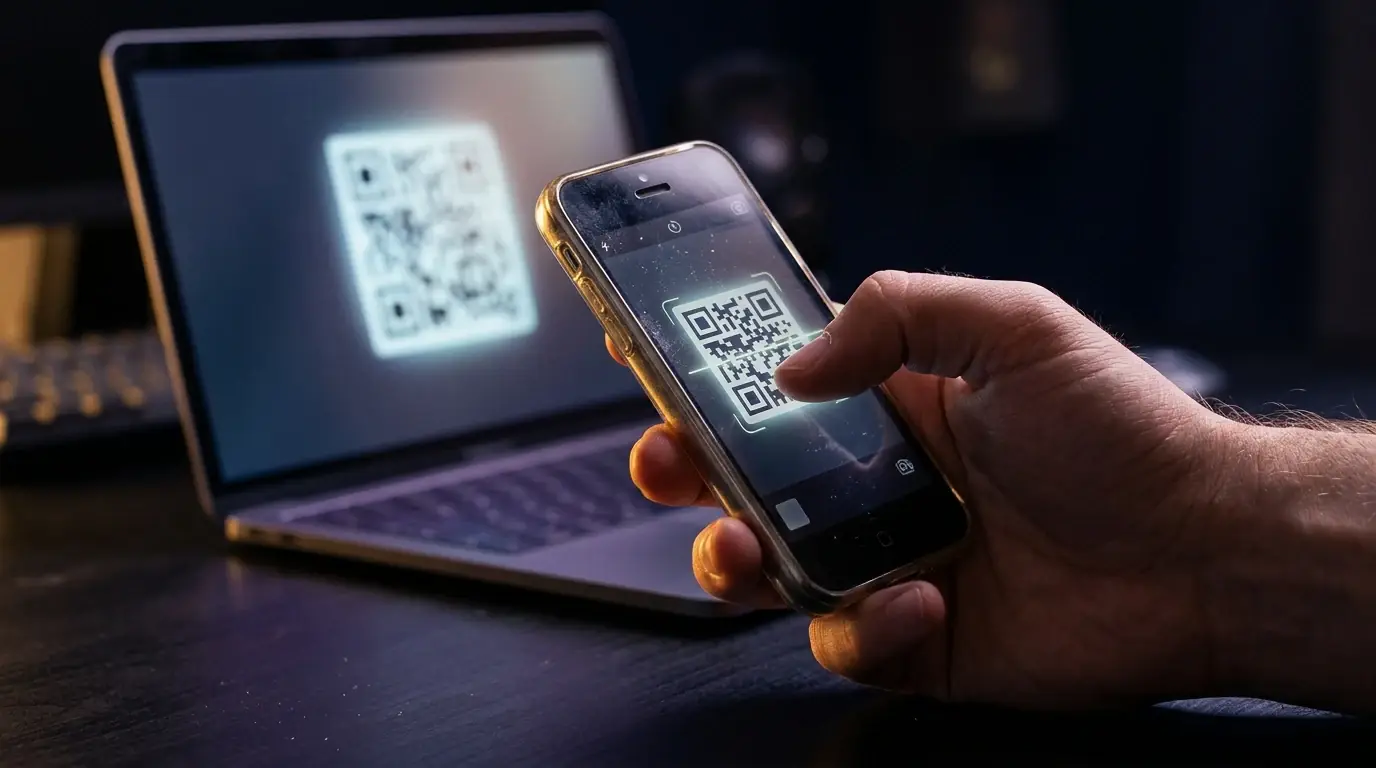
In your Guard panel tap “Add camera” and name it: front door, nursery, shop… A QR code appears that is valid for two minutes.
2
Scan it with the spare phone
Point the old phone’s camera at the QR and open the link. It joins your account in seconds. No password, no sign-up, no app.
3
Set it down and relax
Plug the phone in and place it where it sees the room. Now watch it live from your panel, arm the guard and let the AI do the rest.
Already have cameras?
Connect the cameras you already have
CCTV cameras or a recorder (NVR/DVR) already in your shop, office or home? Pouyam Bridge, a small free Windows program on one computer on the same network, brings them into your Guard panel next to your phone cameras: live view from anywhere, AI that spots people, vehicles and animals, and instant alerts with a photo.
Hikvision
Dahua
Uniview
TP-Link Tapo
Imou
Reolink
ONVIF
RTSP
Any brand that offers ONVIF or RTSP, which almost every IP camera and recorder does.
1
Download the Bridge
Run it on a Windows computer on the same network as the cameras. Its setup page opens in your browser.
2
Connect it with a code
In your Guard panel tap “Add camera”, then “IP camera / NVR / DVR”, create a Bridge code and paste it into the Bridge.
3
Add your cameras
The Bridge searches the network for cameras and recorders. Enter each one’s password and it appears in your panel with a “via Bridge” badge.
Windows 10 or 11 (64-bit). Keep the computer on while the place should be watched. Up to 8 cameras per account, phones and IP cameras together.
Your cameras
Pouyam Bridge on your computer
Your Guard panel
No router settings
No port forwarding and no public address: your cameras stay hidden from the internet.
Passwords stay with you
Camera addresses and passwords are kept encrypted on that computer only and never reach Pouyam.
AI on your own computer
People, vehicles and animals are spotted on the computer itself; only events and their photo are sent.
One panel for everything
Phone cameras and IP cameras side by side, on the same camera wall, timeline and alerts.
For every moment you are away
Pouyam Guard is more than a camera. It has a ready-made mode for each part of your life, set with one tap.
Travel and work
A thousand miles away, one tap close
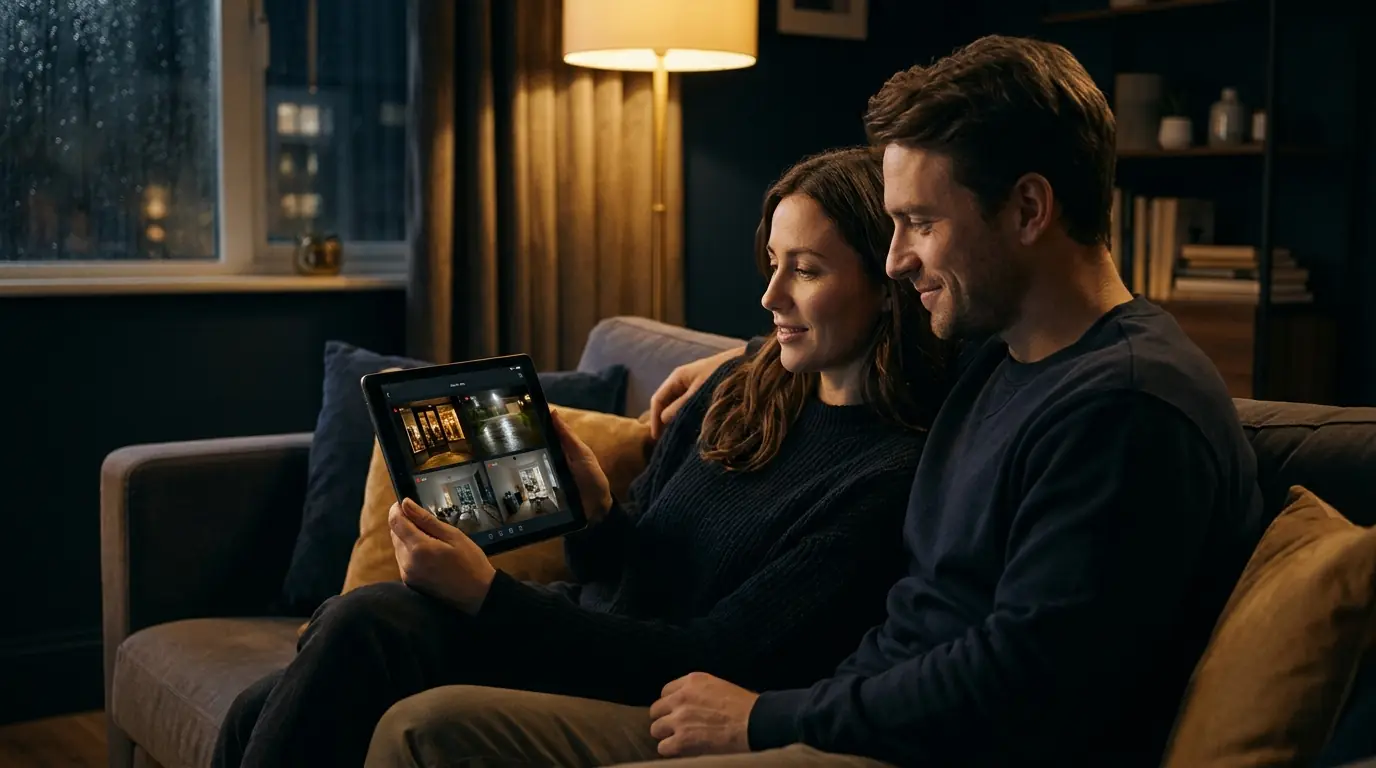
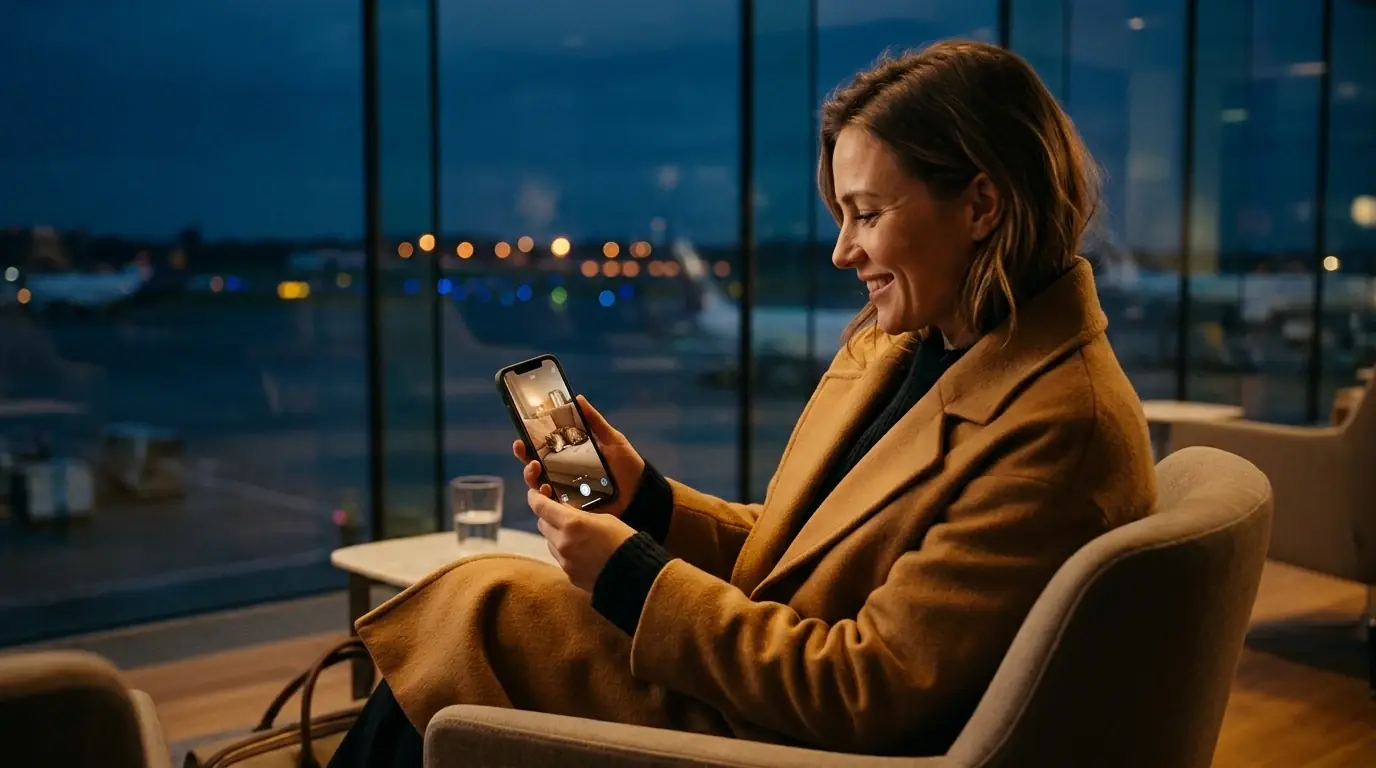
At the airport, at work or on holiday, open your panel and see home live. If someone walks in, an alert with a photo reaches your phone the same moment.
High-quality live video over any connection
Instant alerts with a photo on the site, your phone and Telegram
Camera wall: every room side by side
Baby mode
A baby monitor, without buying a baby monitor
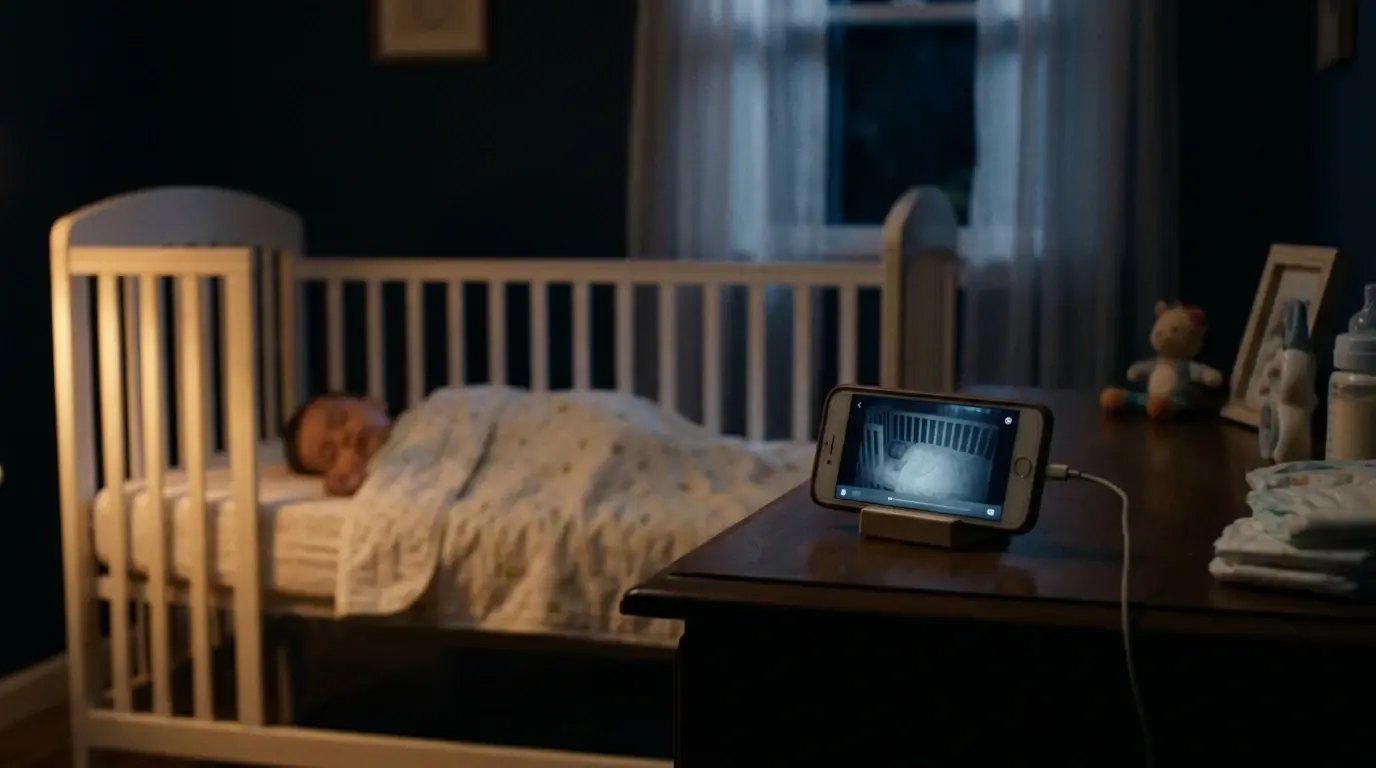
Put the old phone by the crib. Guard recognises a baby crying and tells you, even when you are in another room.
AI that recognises a baby crying
Talk from afar to soothe your little one
The screen dims to save battery and keep the room dark
Pet mode
See what your buddy does while you are out
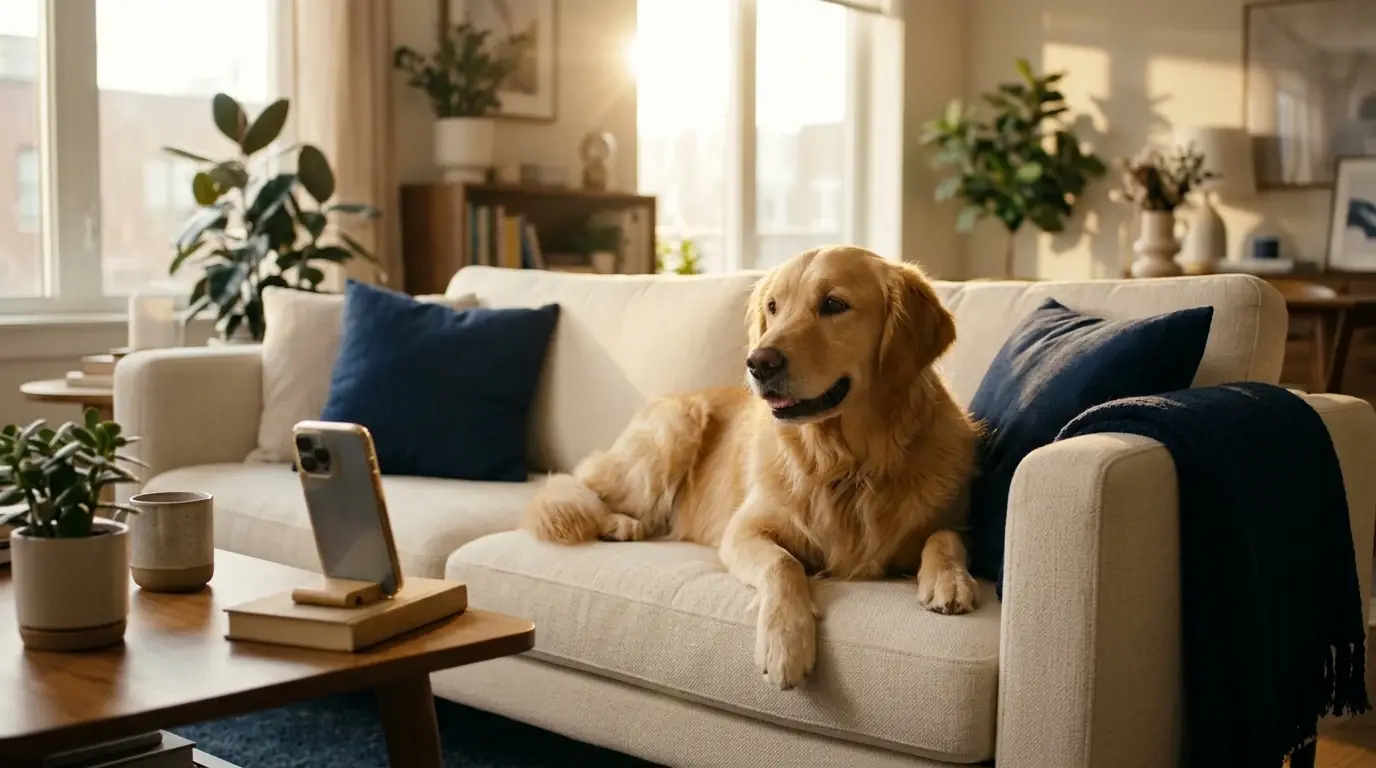
Asleep on the sofa or missing you? Pet mode reacts only to animals and barking, so you are not alerted by every movement.
Spots dogs, cats and birds
Recognises barking
Talk to your pet so it hears your voice
Elder care mode
Looking after loved ones who live far away
If no movement is seen for the number of hours you choose, Guard tells you. A scream is recognised too, so you are never late when it matters.
An inactivity alert after the hours you set
Recognises screaming
Share with brothers and sisters so everyone knows
Shop mode
Your shop has a night guard too
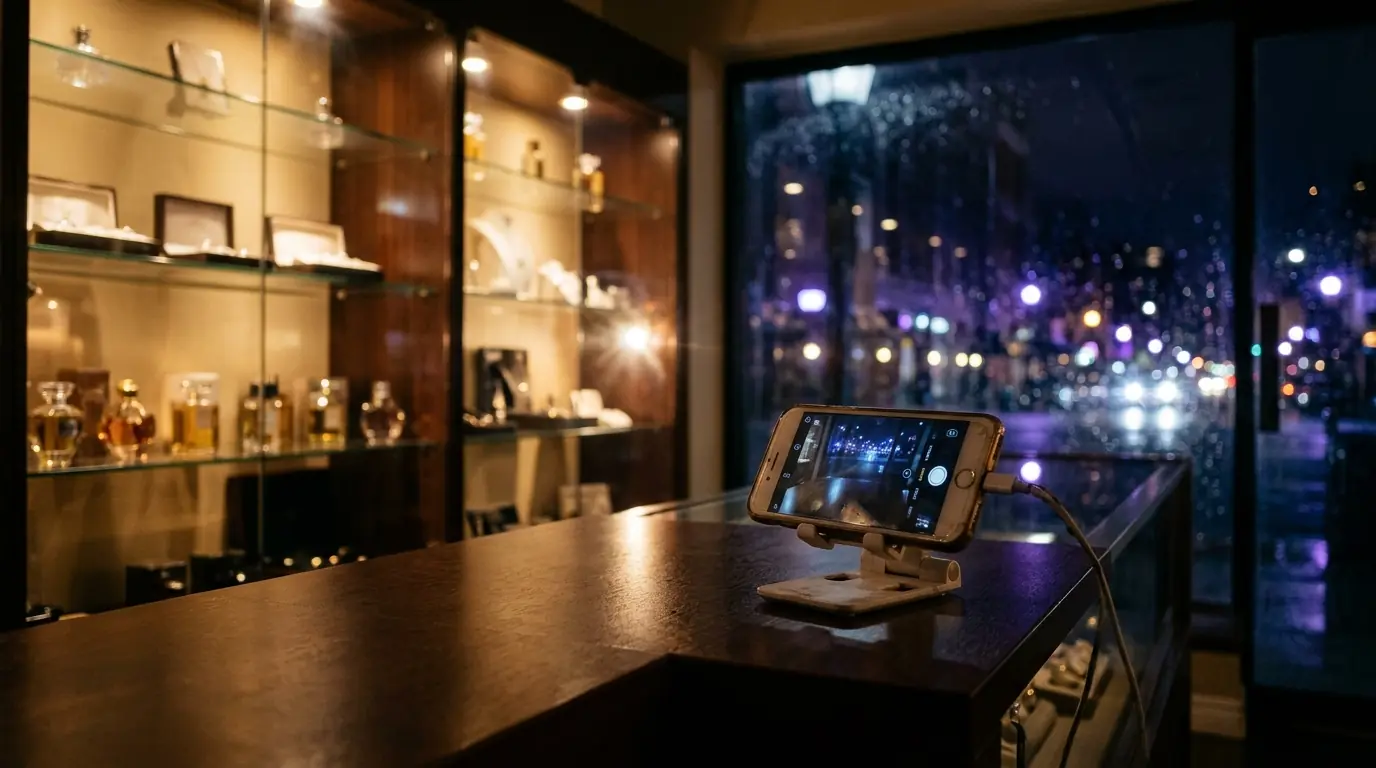
Between 23:00 and 06:00, if someone is seen, the phone sounds its siren for a minute while a photo and clip are saved for you.
Automatic night siren
Spots people and vehicles at the shop front
A signed evidence file for the police and insurance
Family
Safety is a family thing
Share your cameras with family, or create a guest link for the babysitter that lasts 1 to 48 hours and then expires by itself.
Share with people you follow each other with
View-only guest links that expire
Alerts for every family member
AI that thinks on the phone itself
Detection runs on the camera phone, not on a server. The picture is never sent anywhere to be analysed; only when something is seen is a photo saved for you.
It sees
People
Cars and motorbikes
Dogs, cats and birds
It hears
Breaking glass
Smoke and fire alarms
A baby crying
Dogs barking
Doorbells and knocking
Screaming
Draw “zones” on the picture to say what matters (just the front door, for example) and set the sensitivity to decide how strict Guard should be.
Everything a pro camera has, and more
Pouyam Guard was built complete from day one, with things even expensive cameras lack.
Watch live from anywhere
Picture and sound reach you directly through Pouyam’s private live servers, with low delay.
People, vehicles and animals
The AI looks every second and reports only what matters, not a moving curtain.
Sound detection
Breaking glass, smoke alarms, a crying baby, barking, doorbells and screams: switch on the ones you want.
Detection zones
Draw up to eight zones on the picture so only movement there raises an alert.
Ready-made modes
Home, pet, baby, elder care and shop: each mode sets the right options for you.
Event timeline
Every event is saved with a photo, time and confidence. With Premium, a short clip too.
Two-way talk
Hold the button and speak; your voice plays from the camera phone.
Siren, torch and SOS
Sound a loud siren from afar, switch on the torch (where the phone has one) or start SOS: siren and flashing screen together.
Instant alerts
Alerts on the site, your phone and Telegram, respecting the quiet hours you set.
Family and guest links
Share cameras with family or make a temporary view-only link.
Privacy lock
Set a PIN so the cameras never open without it, even if someone gets into your account.
Signed evidence file
Get a signed file for any event that proves its time and shows the photo and clip were not altered.
When the internet drops
Events are kept on the phone and sent as soon as it reconnects. If a camera goes offline, we tell you.
Timelapse
Turn a whole day, a wall being built or a flower opening into a few seconds of video.
Battery in the panel
See each camera’s battery and charging state; the phone’s screen dims to save power.
Morning summary
Every day at 8:00 a summary of the night: who came, what was heard, or that all was quiet.
Private by design
A camera inside your home should belong to you alone. Pouyam Guard was built on that rule from the start.
Analysis on the phone
The AI runs on the camera phone; the picture does not leave your home to be analysed.
Live video is not recorded
The live stream only passes through Pouyam’s private servers and is not stored anywhere.
Encrypted photos and clips
Event photos and clips are encrypted per account and open only for their owner.
Always visible
The camera phone always shows that it is filming. There is no hidden or spy mode, and there never will be.
You are in control
Delete any camera, event or guest link whenever you like, and lock it all with a privacy PIN.
Start free, go Premium whenever you like
Every Guard feature is open to everyone. Pouyam Premium only adds longer storage and short event clips.
For everyone
Free
Up to 8 cameras
Live view, talk, siren and SOS
People, vehicle, animal and sound detection
Event photos kept for 3 days
Family sharing and guest links
Our pick
Pouyam Premium
Everything in Free
An 8-second clip with every event
Photos and clips kept for 30 days
Plus every other Premium perk on Pouyam
Frequently asked questions
Do I need to install an app?
No. Guard runs in the phone’s browser. Just scan the QR and allow the camera and microphone.
Can I connect the CCTV cameras I already have?
Yes. With Pouyam Bridge, a free Windows program, IP cameras and NVR/DVR recorders of any brand that offer ONVIF or RTSP (Hikvision, Dahua, Uniview, Tapo, Imou, Reolink and many more) appear in your panel. Cameras that only work through their maker’s own cloud app cannot be connected.
Which phones can become a camera?
Almost any Android phone, iPhone or tablet with an up-to-date browser (Chrome, Safari or Edge). For the AI, phones from the last few years work best.
Does the phone have to stay plugged in?
For round-the-clock guarding, yes, it is best plugged in. The screen dims after 30 seconds to save power and you always see the battery level in your panel.
How much data does it use?
Almost none while nobody is watching: only small status messages and event photos. Live video is sent only while you watch. Home Wi-Fi is the best choice.
Can anyone but me see the picture?
No, unless you share with family or create a guest link yourself. Live video is not recorded, and photos and clips are stored encrypted and open only in your own account.
What if the internet or power goes out?
Events seen during the outage are kept on the phone and sent later. If a camera stays offline for more than 3 minutes, you get a “camera offline” alert.
Where do alerts arrive?
In your notifications on the site, as phone and browser notifications, and in Telegram if you want. Each kind of event alerts at most once every two minutes, so it never gets annoying.
How many cameras can I have?
Up to 8 cameras per account, all in one panel and one camera wall.
What is the evidence file for?
A file signed by Pouyam that proves when the event happened and shows the photo and clip were not changed afterwards: for the police, your insurer or a court.
Is filming other people legal?
Only film places you are allowed to, such as your own home or shop. If someone works there, tell them. Guard deliberately has no hidden mode.

 Travel and work